

الوصف
Create responsive sliders for images, posts, WooCommerce products, and videos with multiple layouts, animations, and customization options in WordPress. Design and display carousels, grids, and thumbnail sliders directly in the block editor with simple block and shortcode support.
bSlider | Documentation | Pricing | Support | Demo
bSlider makes it easy to build engaging sliders without coding. Choose from smooth transitions like fade, slide, or flip, and customize titles, buttons, indicators, and arrows. Add slides quickly, reorder them with drag-and-drop, and adjust settings per device for fully responsive layouts.
You can use bSlider for product showcases, portfolios, testimonials, or hero sections. It works with any WordPress theme. You can add sliders using the Gutenberg block or place them anywhere with a shortcode.
Key Features – Free Version
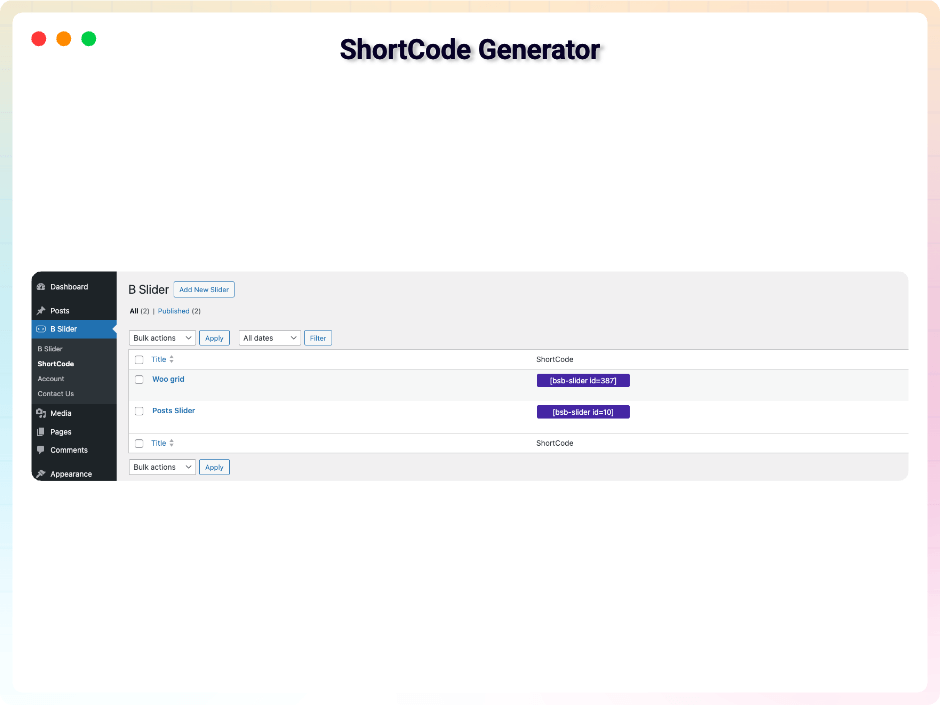
- Shortcode Support: Insert sliders anywhere, even outside Gutenberg.
- Gutenberg Block: Add and configure sliders in the block editor.
- Unlimited Slides: As many slides as you need.
- Easy Slide Management: Duplicate or remove slides in a click.
- Gutenberg Blocks Source: Build each slide from real WordPress blocks — headings, images, buttons, columns.
- Layer Animations: Give any block in a slide an entry animation, with preset delays.
- Loop Animations: Keep a layer moving after it arrives — Pulse and Bounce.
- Hover & Click Actions: Grow, lift or fade on hover; open a link, scroll, or move the slider on click.
- Visual Timeline: Every animated layer on one timeline, with its delay editable in place.
- Layer Typography: Font, size, weight and spacing on any text layer, Google Fonts included.
- Responsive Layers: Hide a layer per device, or show it without animating.
- Slide Styling: Background, overlay, border, radius, padding and alignment, per slide.
- Auto Word-Wrap: Long links break to fit the slide instead of spilling past it.
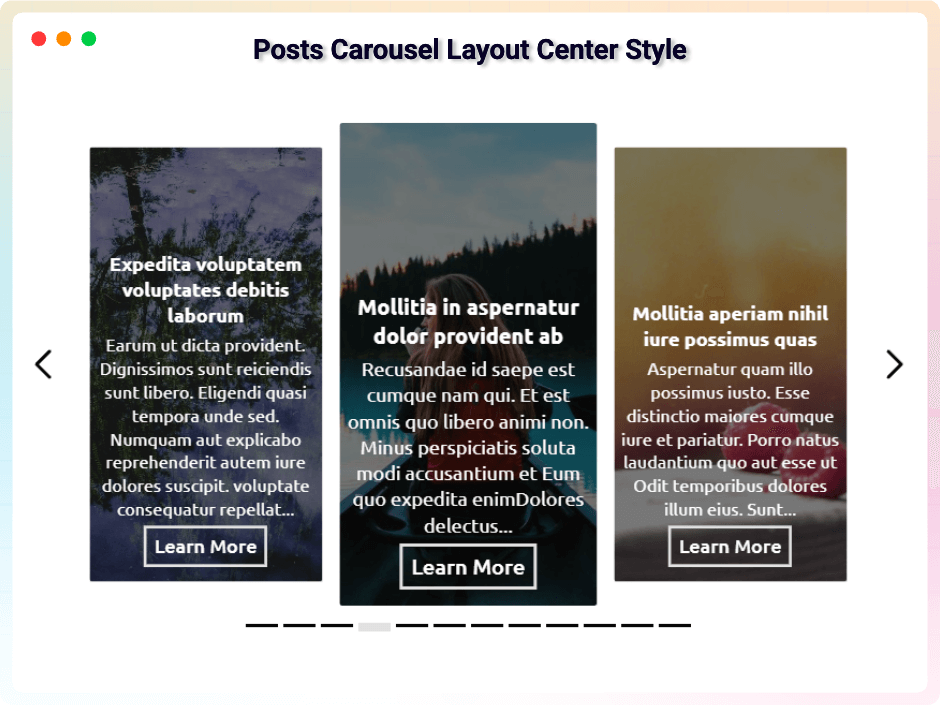
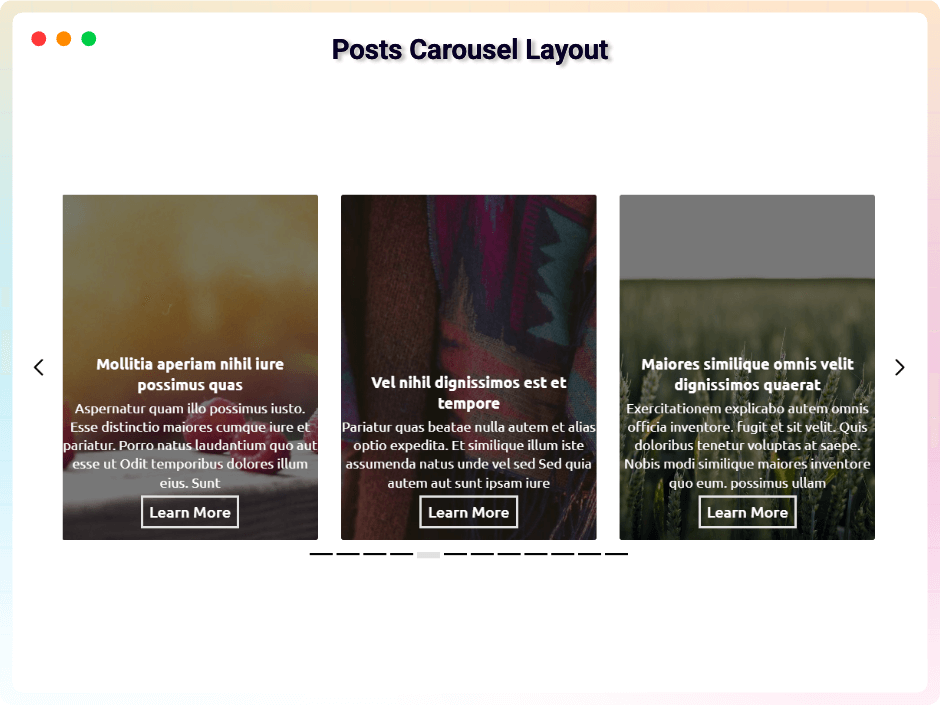
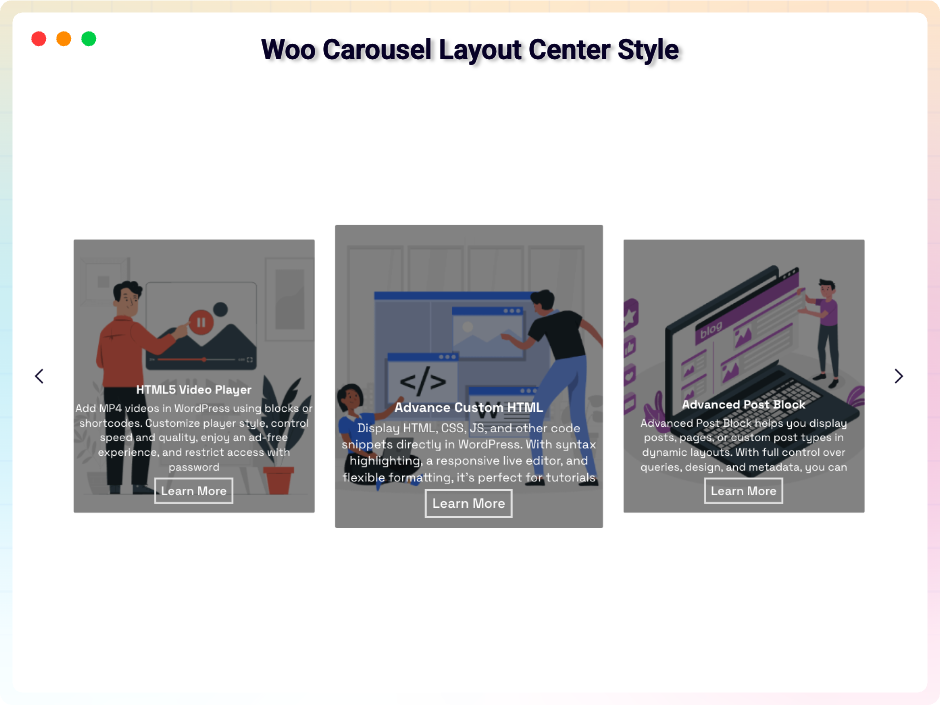
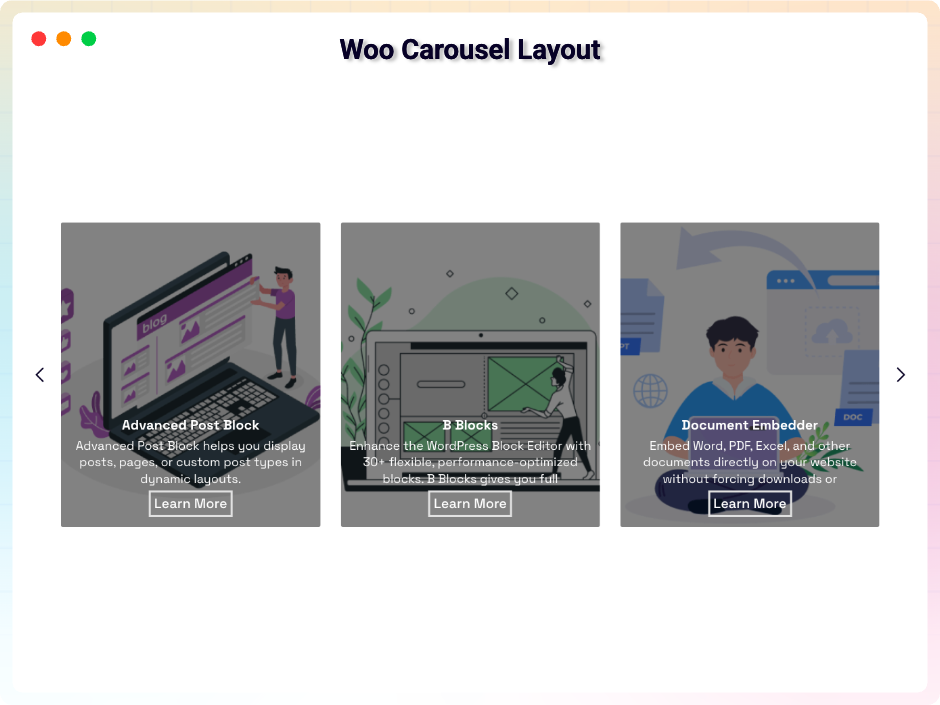
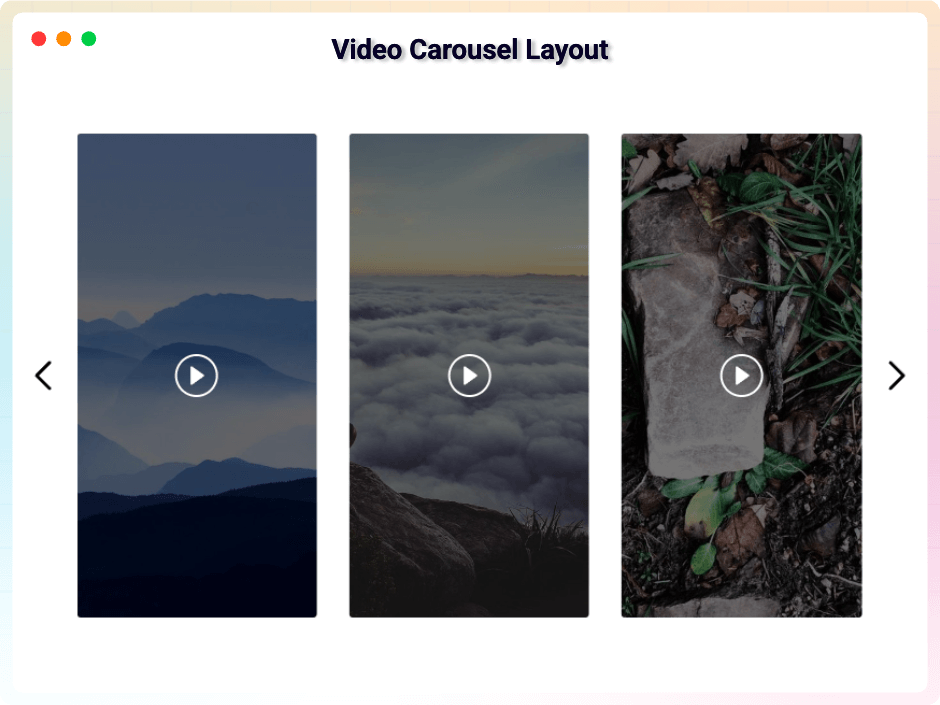
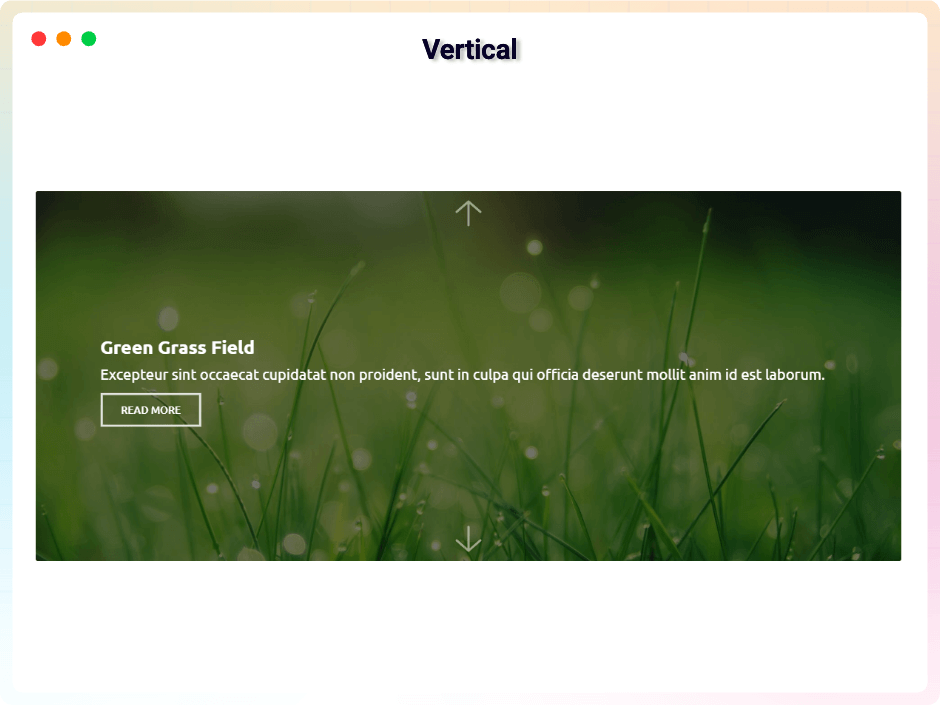
- Carousel Layout: Looping autoplay carousels, horizontal or vertical.
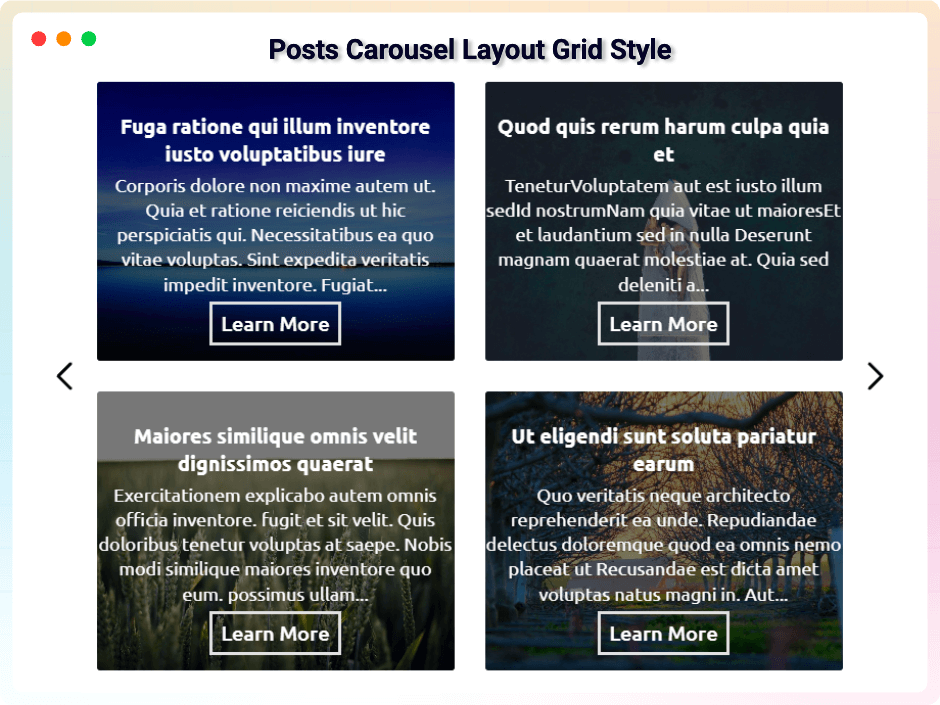
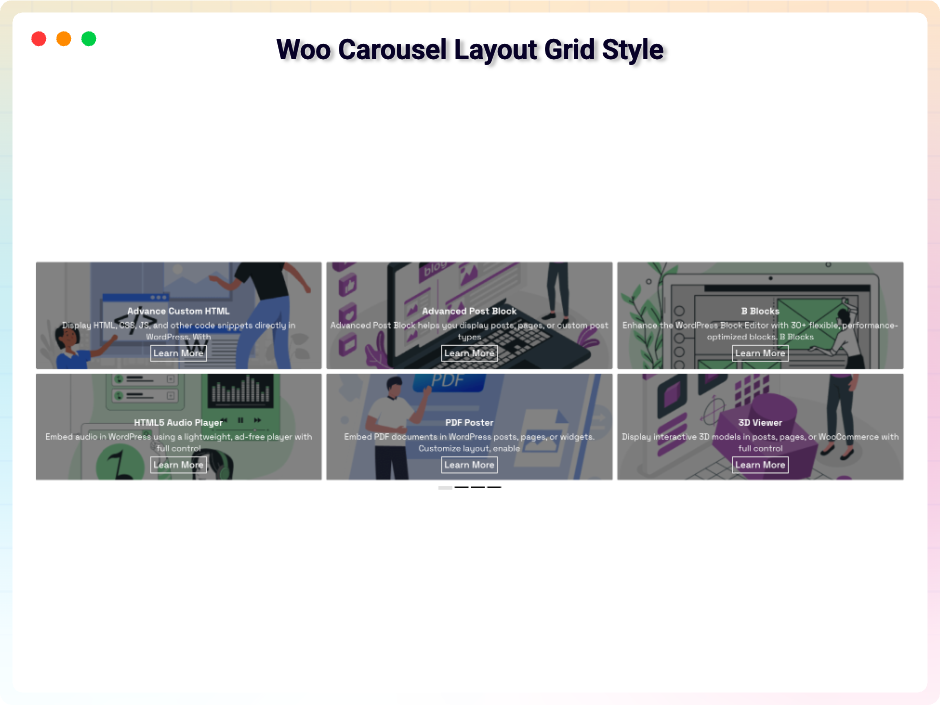
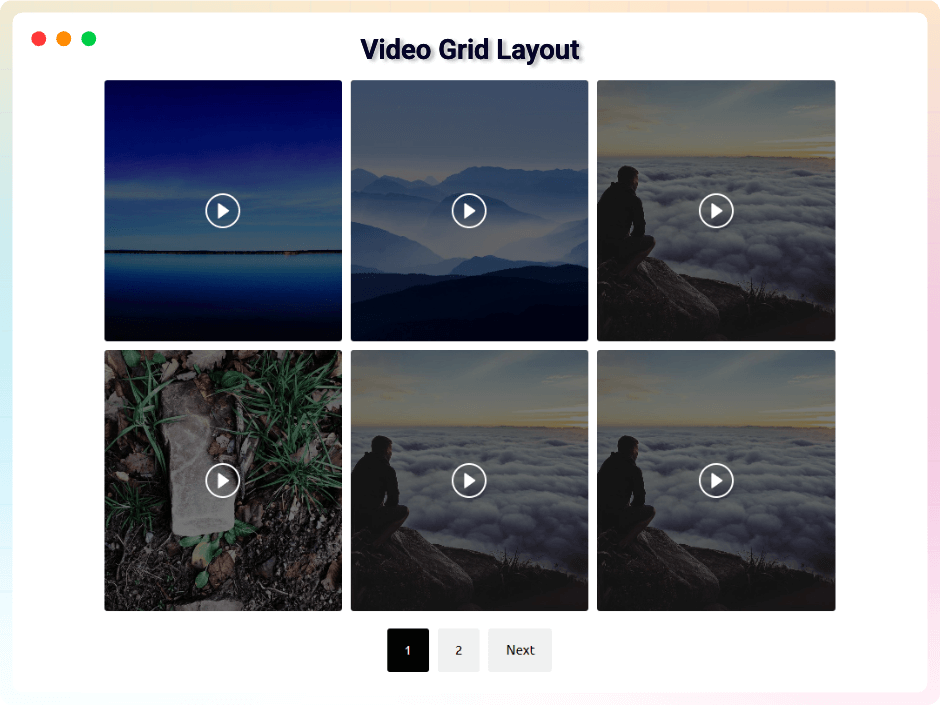
- Grid Layout: Responsive grids with adjustable column and row gaps.
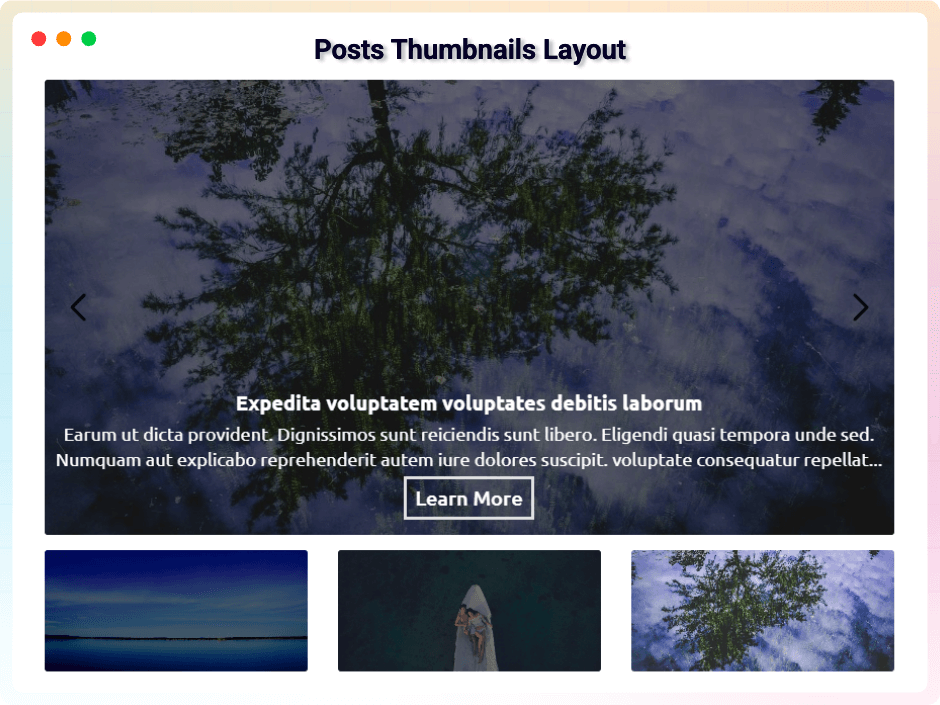
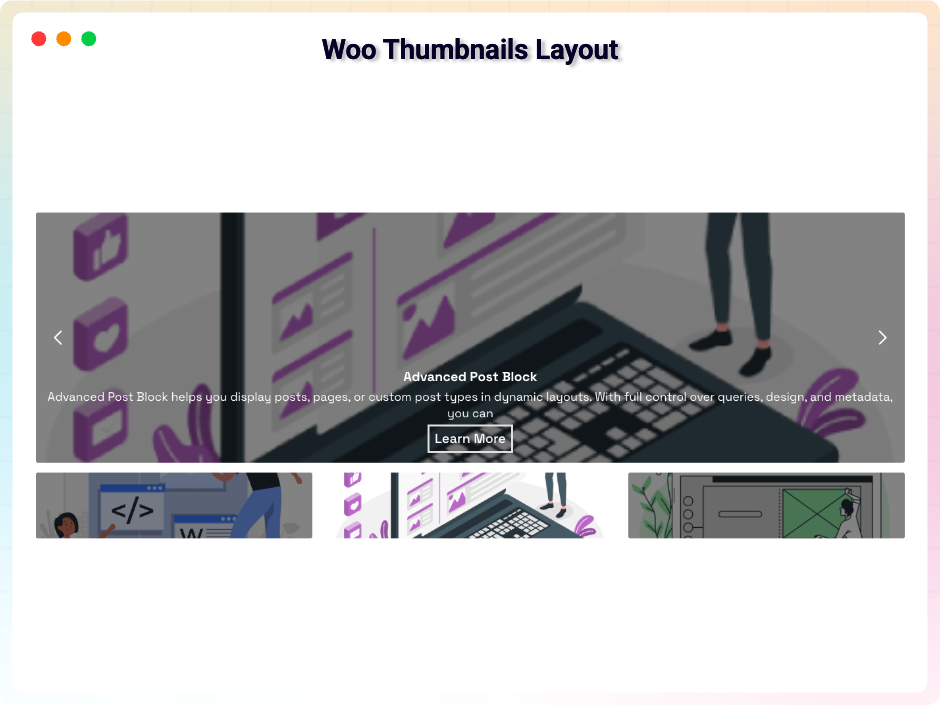
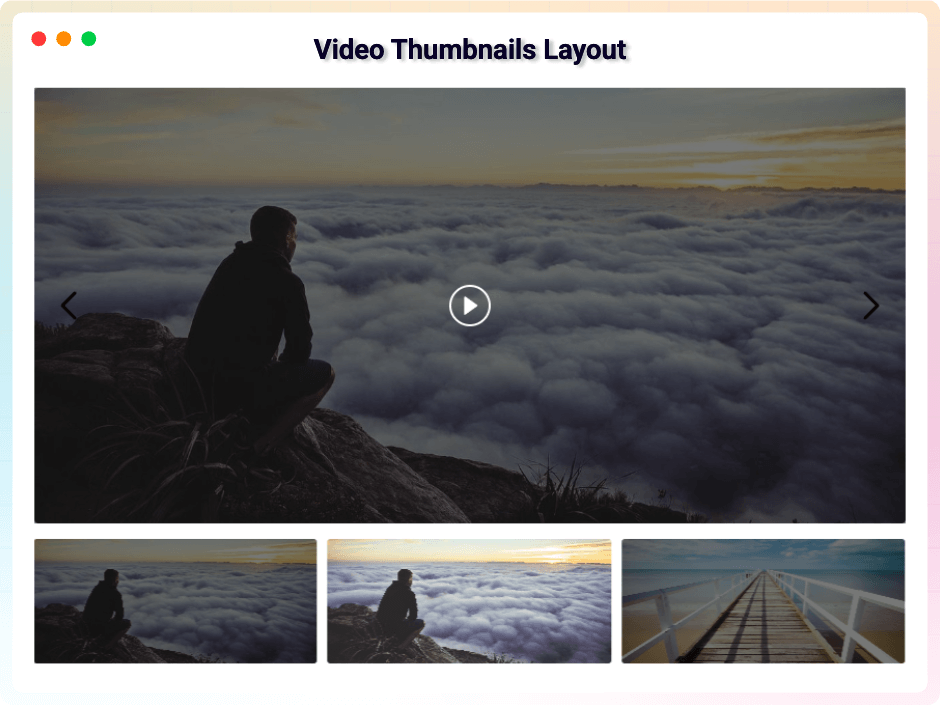
- Thumbnails Layout: Thumbnail navigation with overlay, autoplay and border options.
- Grid Flexibility: Items per page, with Standard Button or Load More pagination.
- Custom Slider Height: Set the height that suits your slider.
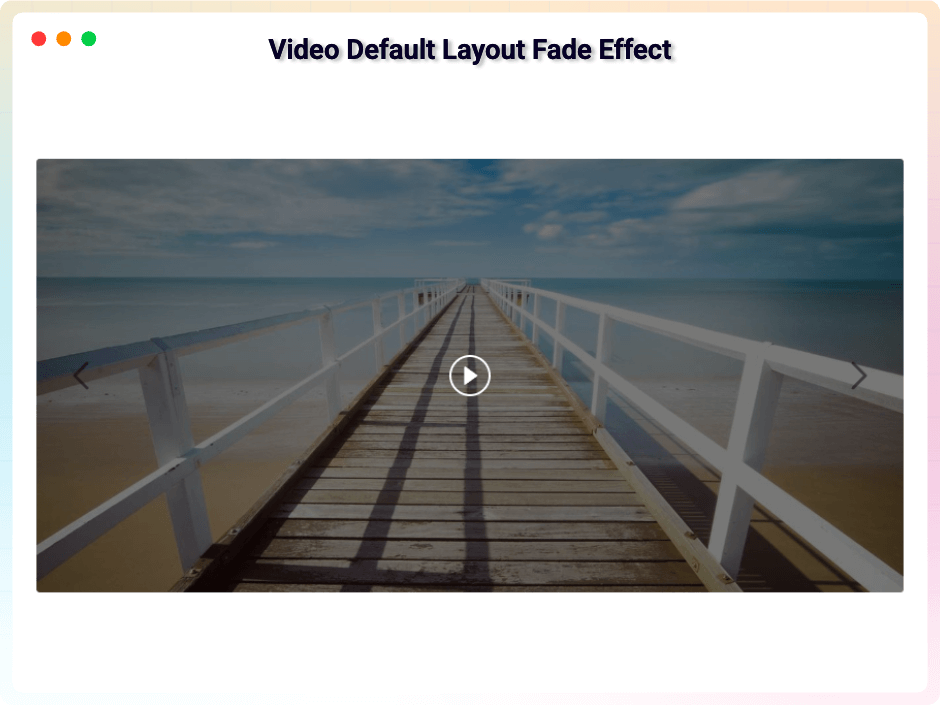
- Slide Animations: Fade, slide and flip transitions.
- Autoplay Controls: Autoplay on or off, with custom duration per slide.
- Hover Pause: Pause the slider while the visitor is pointing at it.
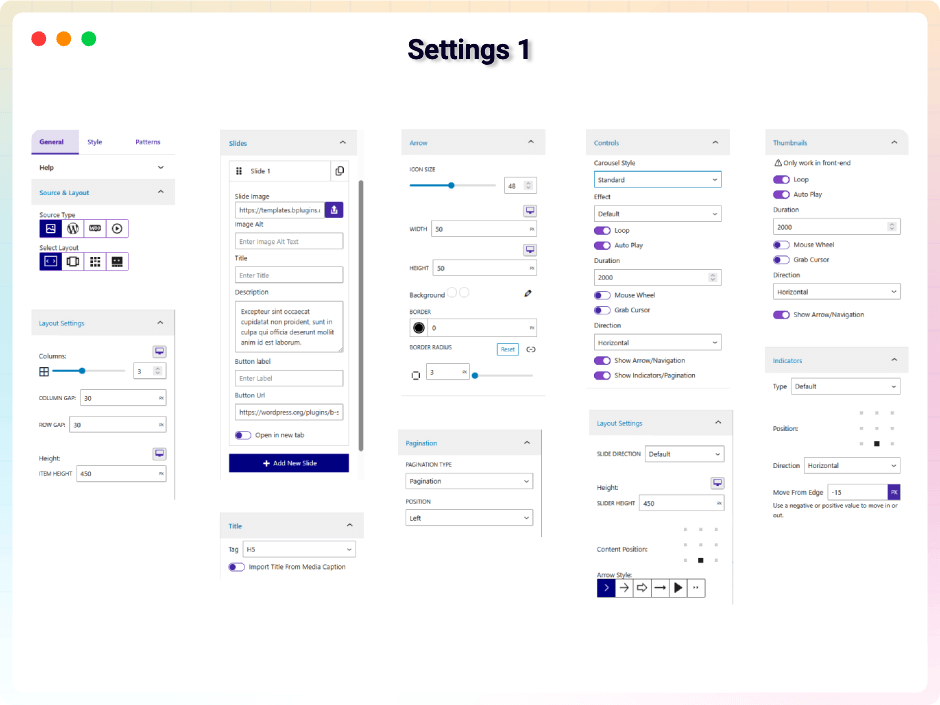
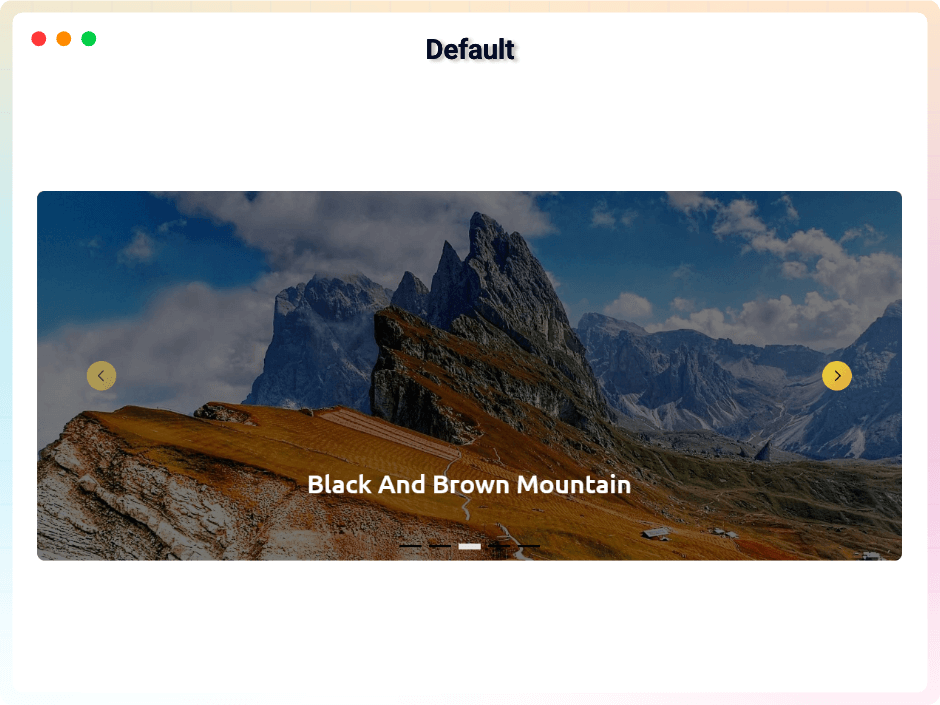
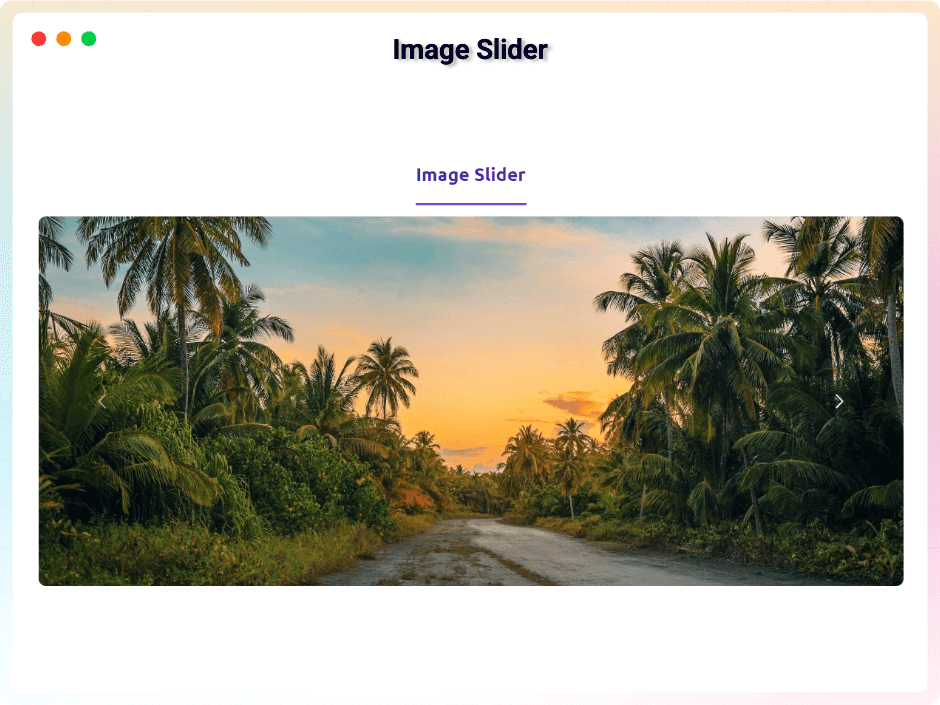
- Navigation Buttons: Left and right arrows with size, colour and radius controls.
- Arrow Styling: Arrow size, height, width, border and colour.
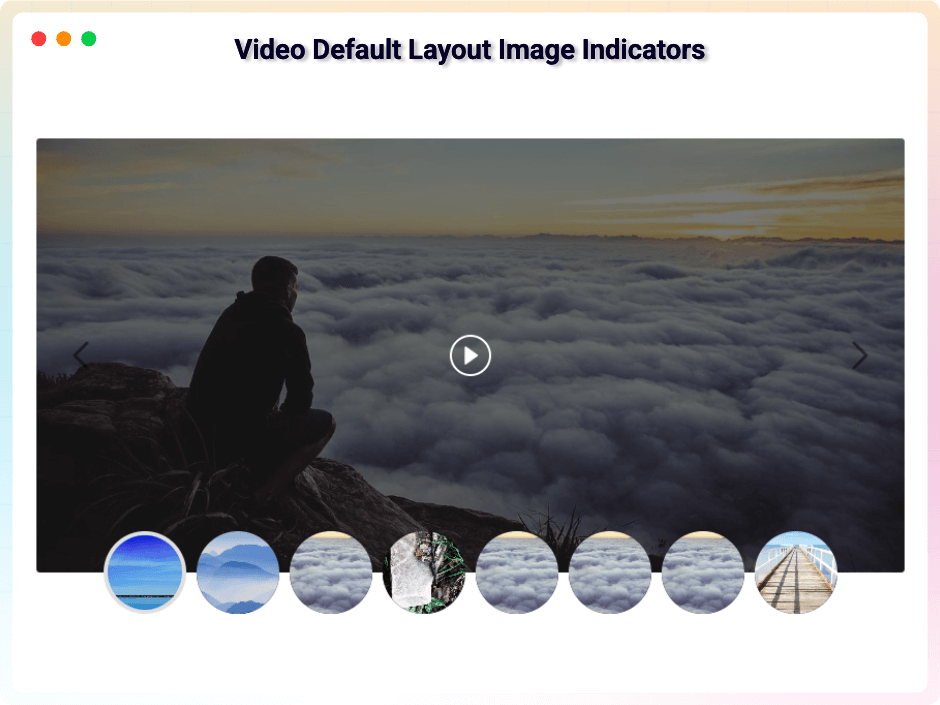
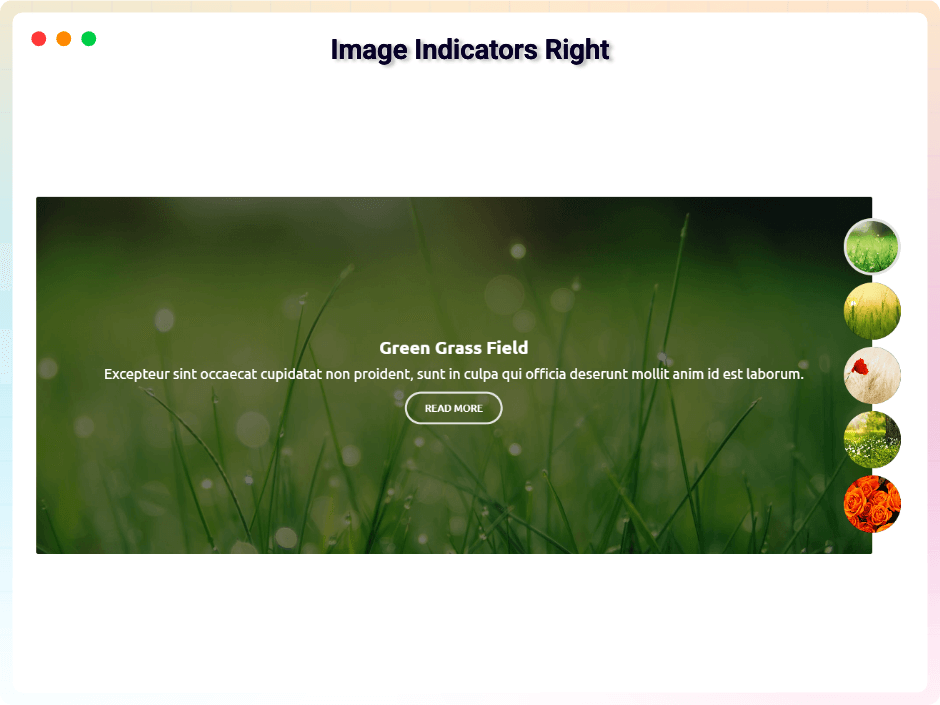
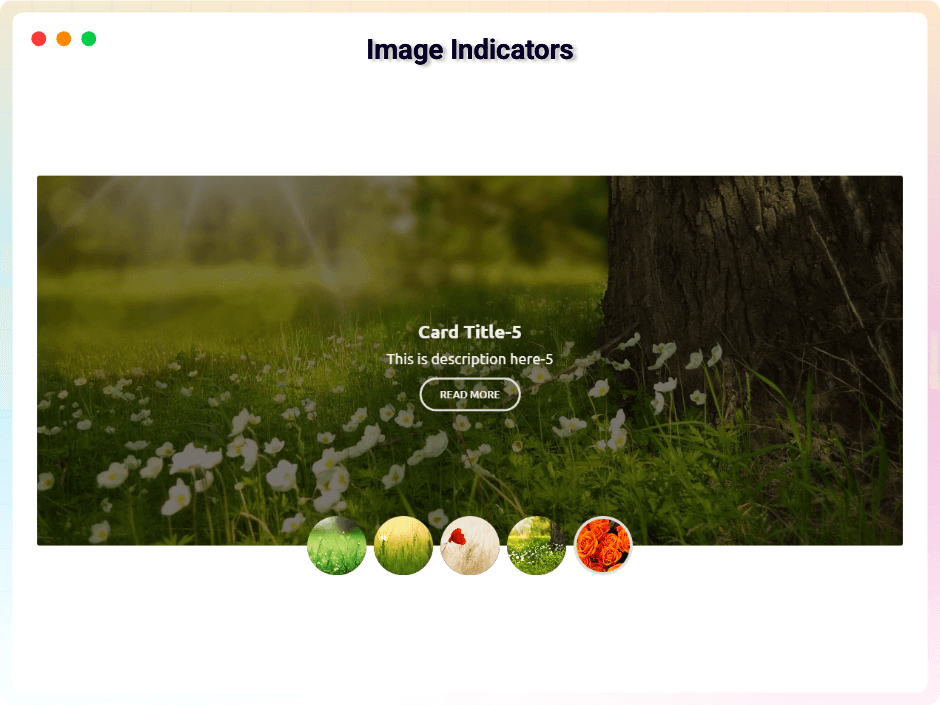
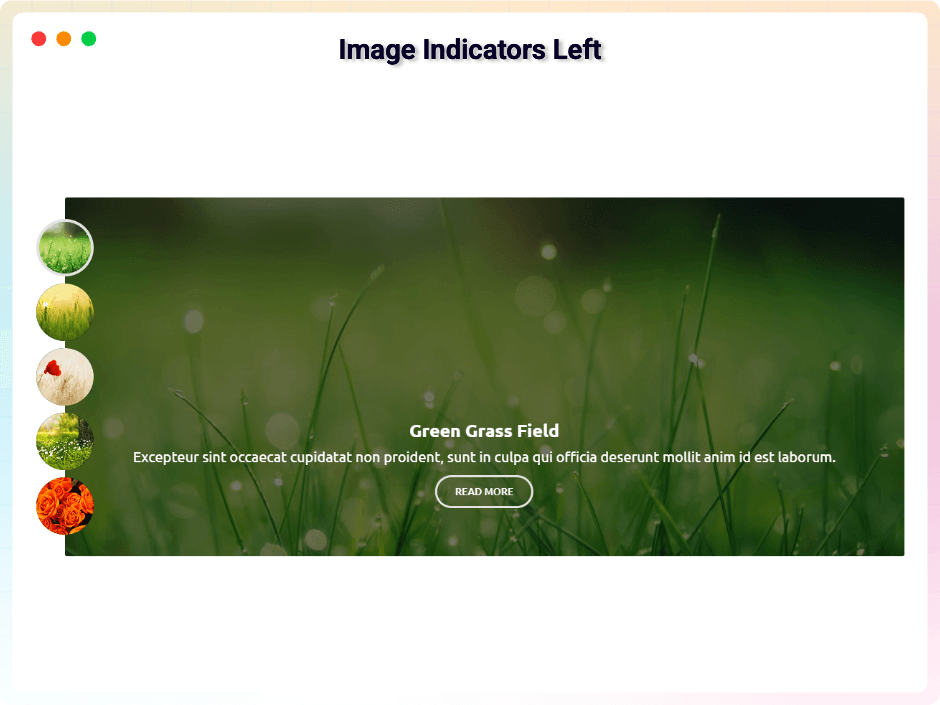
- Slide Indicators: Several indicator styles and positions.
- Dynamic Indicators: Indicator type, position and direction.
- Carousel Enhancements: Toggle arrows and indicators in one click.
- Overlay Colors: Colour overlays for contrast behind text.
- Content Positioning: Align slide content to the default or middle area.
- Customizable Content Styles: Typography and design controls for titles and descriptions.
- Slide Content Panel: Show or hide a slide’s title, description and button, and set the button label.
- Content on Hover: Reveal the title, description and button only on hover.
- Content Background: Tint the whole picture, fade colour in behind the text, or neither.
- Picture Hover Effects: Zoom in, zoom out, or hold the picture grey until hover.
- Linked Slide Pictures: The whole picture links where the button points, with a new-tab switch.
- Selective Hover Controls: Choose exactly which parts appear on hover, independently.
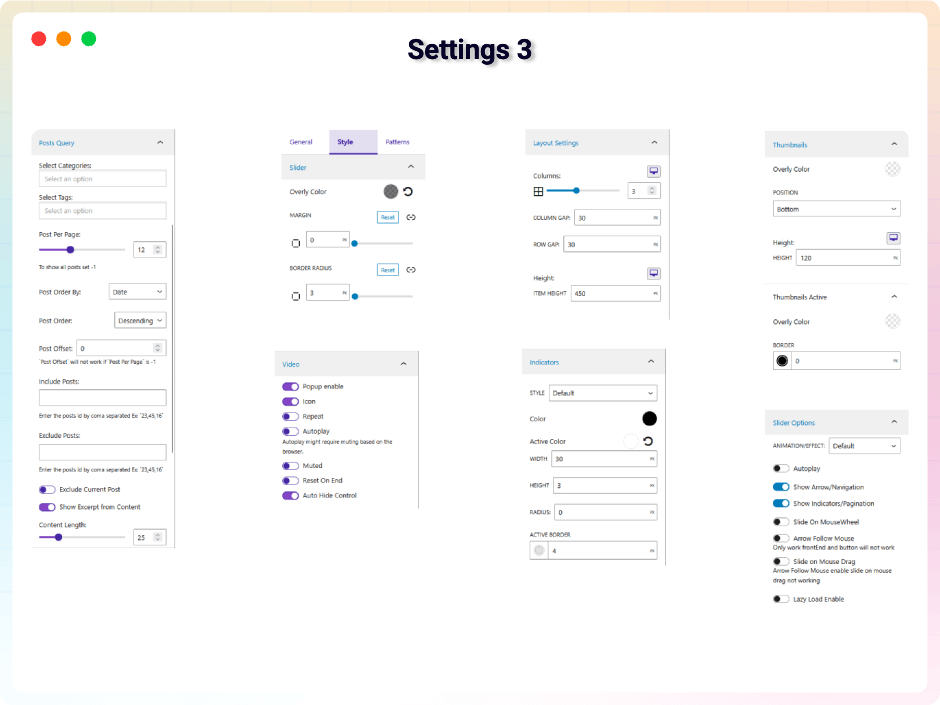
- Post Slider Options: Query posts by category or tag, with excerpts and content length.
- Default Post Types: Posts, Pages and WooCommerce Products.
- Post Per Page: Control how many items a slider pulls.
- Advanced Sorting: Order by your own criteria, ascending or descending.
- Post Offset: Skip posts to avoid duplication across layouts.
- WooCommerce Slider: Product sliders with content length and excerpt controls.
- ACF Fields on Slides: Up to three Advanced Custom Fields per slide, placed anywhere.
- ACF Display Presets: Six looks for your fields, each with icon, label, prefix and suffix.
- ACF Content Mapping: Use an ACF field as the slide image, title, description or button.
- Post Badges: Publish date and author over a slide, each with its own icon and placement.
- WooCommerce Product Price Badge: Regular and sale prices as a badge, or the sale price alone.
- WooCommerce Sale Badge: A “Sale!” badge or the exact discount percentage.
- Badge Animation: Pick the effect and delay, and space several so they cascade.
- Badge Styling: One set of typography and colours for every badge.
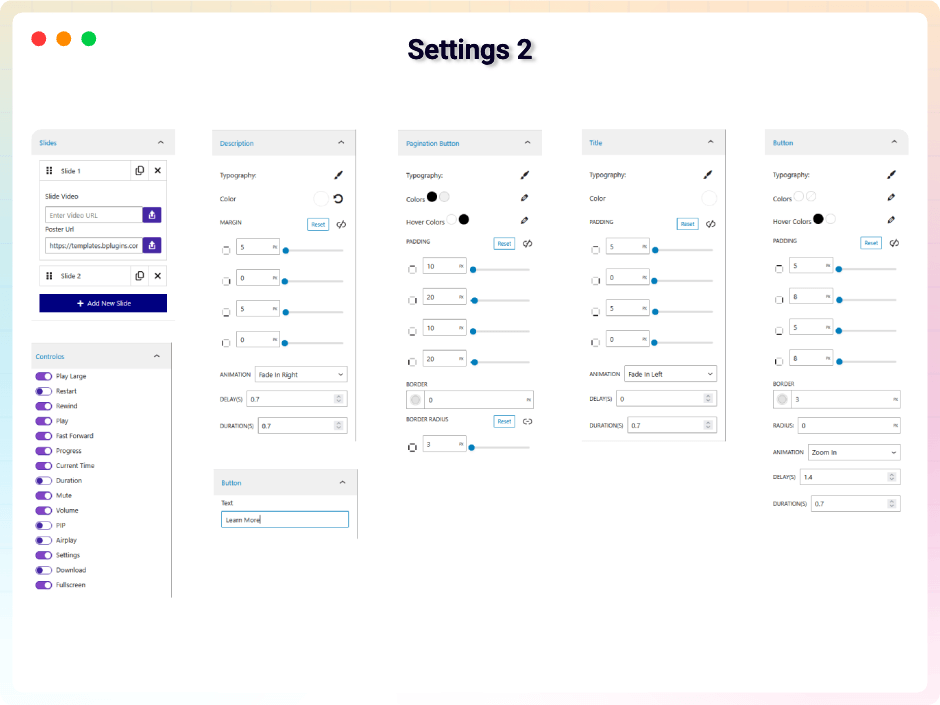
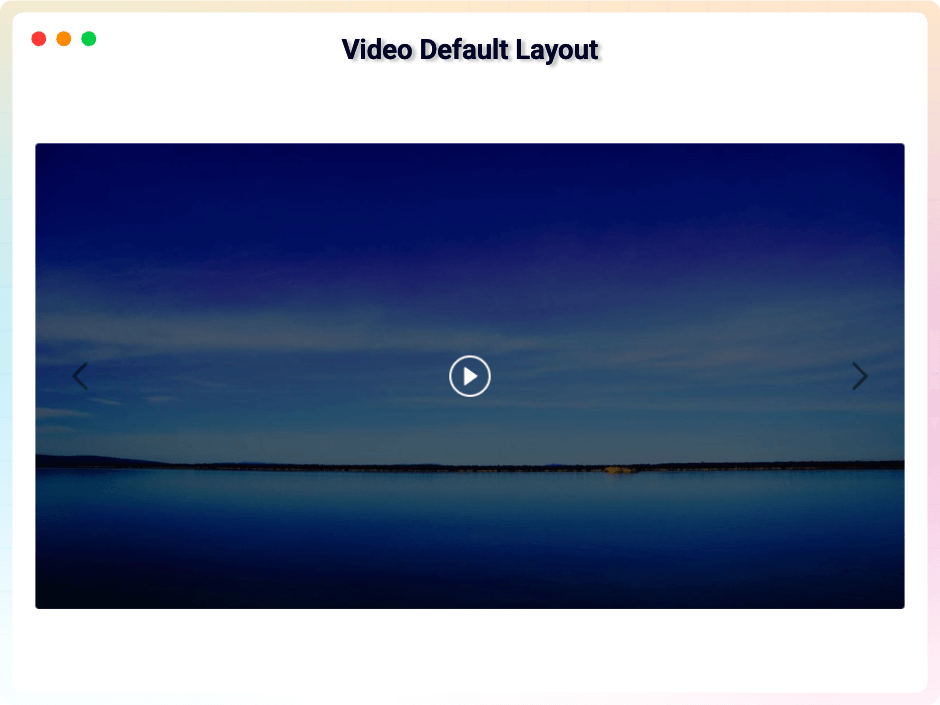
- Video Slider Options: Popup playback with repeat, mute, autoplay, reset or hidden controls.
- Basic Video Controls: A large play button and a restart option.
- Playback Settings: Auto-play, loop and muted starts.
- Comprehensive Player Controls: Play/Pause, Mute, Rewind, Fast-Forward, progress, current time and duration.
bSlider Pro – Unlock Premium Features
bSlider Pro gives you more design power and control. Add advanced effects, flexible layouts, and interactive options to create engaging, professional sliders.
What’s New in the Pro Version?
- Social & External Feeds Source: Build a slider from a YouTube channel, Instagram account, RSS feed or any JSON endpoint, cached on your schedule.
- Feed Presets: Ready-made feed sliders — channel grid, player grid, theater, reels, card and hover-overlay.
- Profile Header Card: Name, picture and follower count above the slider, with a Follow button.
- Mini Player: A video that docks into a corner and keeps playing as the visitor scrolls.
- Hover Preview: Point at a video slide and a preview plays in place.
- YouTube Feed Controls: Filter by search term, playlist, or privacy status; group results and set thumbnail quality.
- Player Options: Player theme, progress bar colour and lazy loading.
- Dynamic Content: Bind a post or product to a slide and drop in Post Field blocks.
- Post Field per Block: Point each field at its own post, so one slide can show several.
- Convert to Core Blocks: Turn a Post Field into a real Heading, Paragraph or Image.
- Carousel Layout for Block Slides: Two or three block-built slides side by side, with Swiper effects.
- Lottie Animation Layer: Drop a Lottie JSON into a slide and play it as the slide arrives.
- Exit Animations: Animate a layer out as its slide leaves, not only in.
- Fine-tuned Timing: Set an exact delay and duration on any layer.
- Advanced Loop Animations: Float, Flash, Shake and Swing, on top of the free Pulse and Bounce.
- Word by Word Animation: Animate a heading or paragraph one word at a time.
- Badge a Word: Give one word its own background, padding, corners and border, inside the sentence.
- Hover Colour: Change a layer’s text and background colour on hover.
- ACF Query – Sort by Custom Field: Order slides by any ACF field, as numbers or text, either direction.
- ACF Query – Filter by Custom Field: Show only posts matching your rules, with all or any of them.
- Rules Built From Your Fields: Each rule offers the comparisons and choices that suit the field.
- Unlimited ACF Fields: As many Advanced Custom Fields per slide as you need.
- Custom Post Type Sliders: Build a slider from any registered CPT — portfolio, services, testimonials.
- Include/Exclude Posts & Products: Pick exactly which items to show or hide.
- Exclude Current Post: Keep the post being viewed out of its own slider.
- List Layout: A dedicated list layout with its own styling panel.
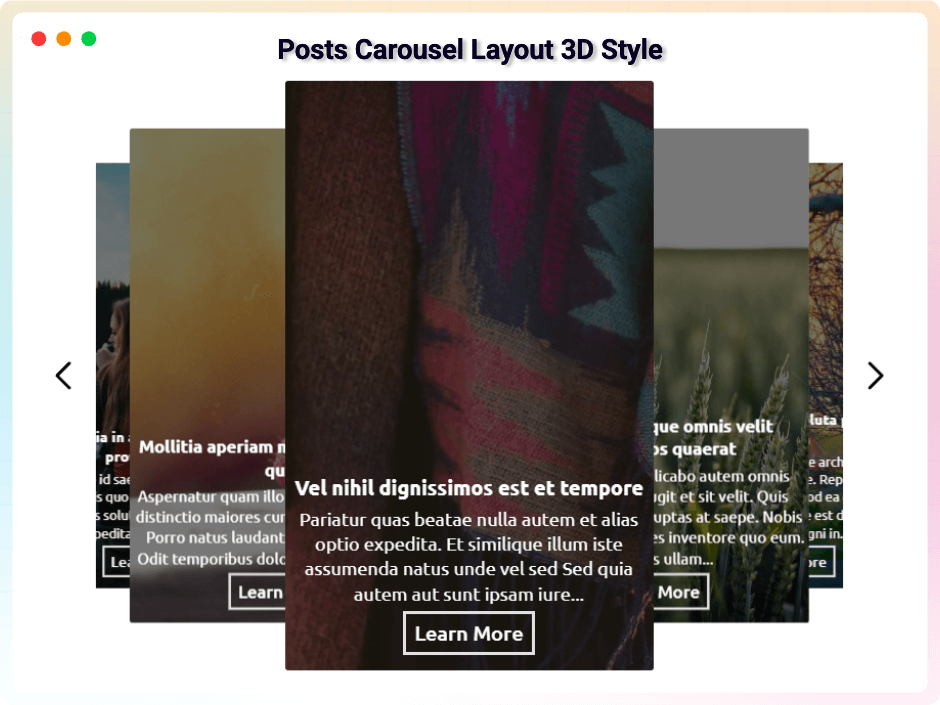
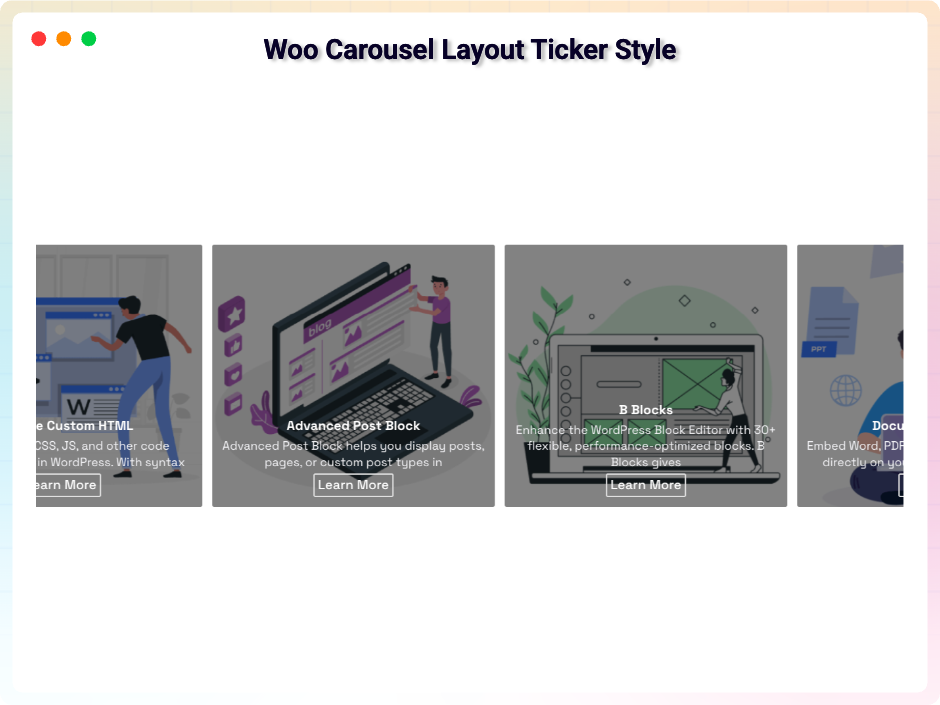
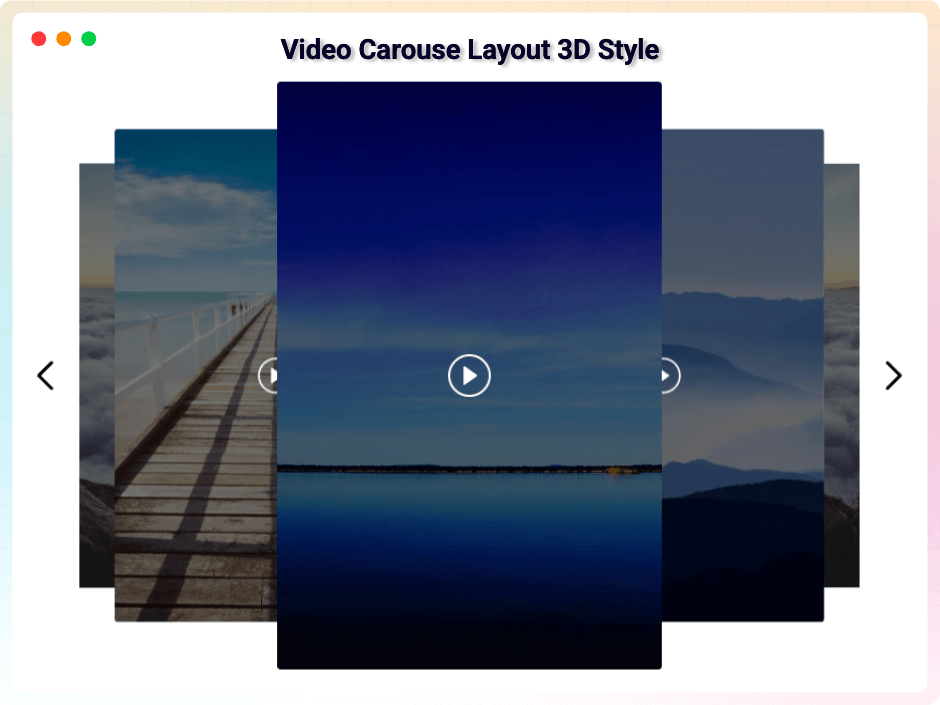
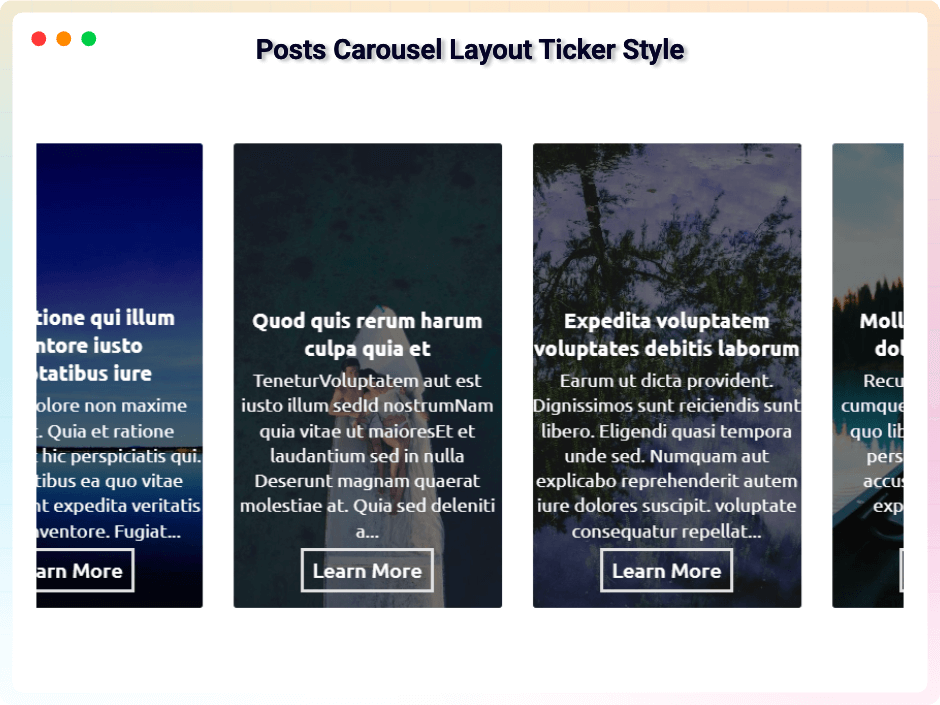
- Advanced Carousel Styles: Ticker, grid and 3D carousel effects.
- Slider Transition Effects: Professional animation effects between slides.
- Dual Slide Direction: Horizontal and vertical movement paths.
- Slide on Mouse Wheel: Navigate slides with the scroll wheel.
- Slide on Mouse Drag: Drag-to-slide for a tactile feel.
- Arrow Follow Mouse: Navigation arrows that follow the cursor.
- Grab Cursor Interaction: A grab icon that shows the carousel can be dragged.
- Custom Arrow Styles: Navigation arrow designs to match your branding.
- Thumbnail Direction & Navigation: Thumbnail flow with its own arrows.
- Thumbnail Styling: Position, dimensions, borders and colour overlays.
- Box Model Controls: Margin, padding, border and border radius throughout.
- Advanced Typography: Fonts, sizes and text behaviour on every part of a slide.
- Interactive Color States: Separate colours for standard and hover states.
- Animation Timing: Control animation duration and start delay.
- Clickable CTA Buttons: Custom button labels and URLs in slide content.
- Smart Link Behavior: Open button links in a new tab.
- Badge & Field Icon Library: Icons from Font Awesome, Bootstrap or Lucide instead of emoji.
- Custom HTML Wrapper Tags: Tags like h1–h6 for better structure and SEO.
- Left/Right Inner Gap: Internal spacing between slider items.
- Move From Edge: Control the spacing of content from the slider edges.
- Pagination Position: Alignment for pagination buttons in grid layouts.
- Lazy Load Enable: Defer offscreen images for faster pages.
- Advanced Video Tools: Mute, PIP, AirPlay, Download and Fullscreen.
- Video Reset On End: Restart a video from the beginning once it finishes.
- Video Auto Hide Controls: Hide the playback UI while the visitor is idle.
Upgrade to Pro to unlock all premium features.
How to Use bSlider – Quick Start Guide
Getting started is easy!
Follow these steps:
Step-by-Step Setup
- Go to Plugins Add New.
- Search for bSlider.
- Click Install Now, then Activate.
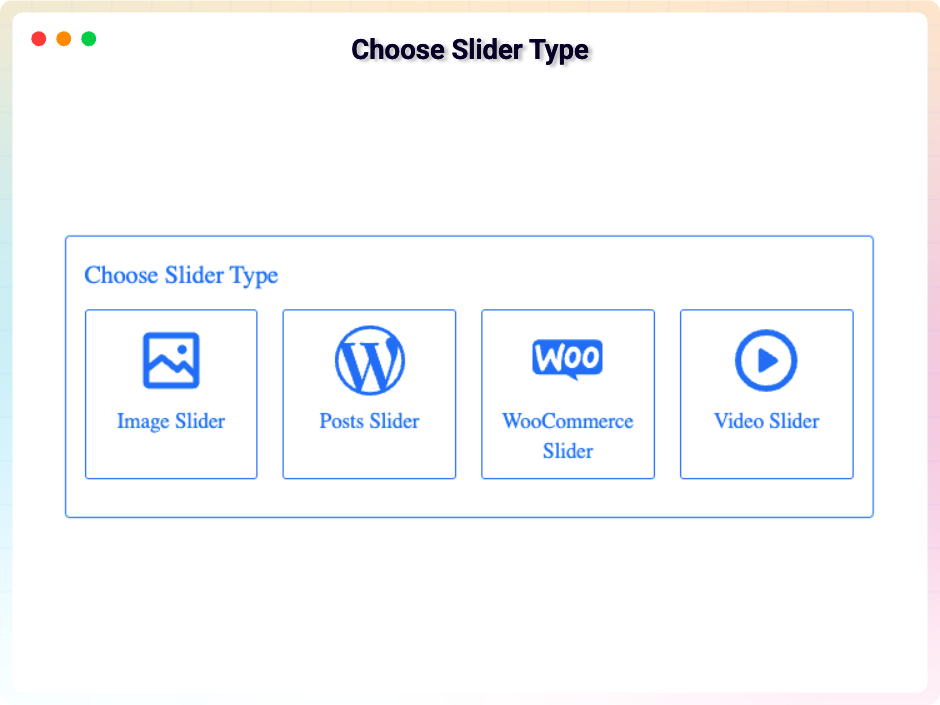
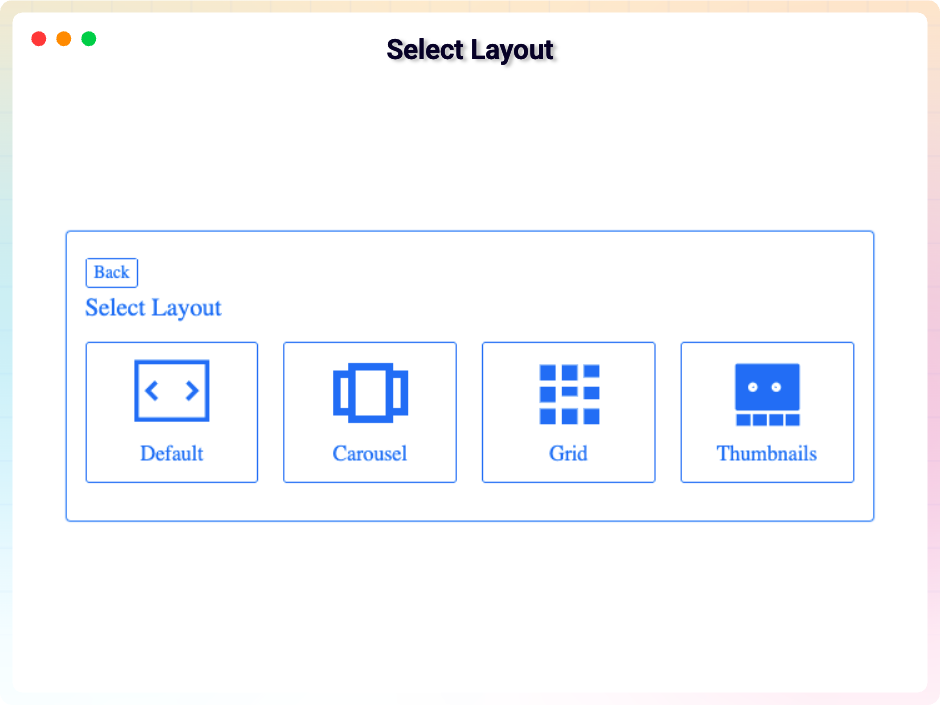
- In the block editor, add the bSlider block, choose a slider type and layout, configure settings, and publish.
- Or insert the provided shortcode anywhere to show your slider.
Enjoy smooth, responsive sliders on your site!
Live Demo | Try the Pro Version
- For installation help click on Installation Tab
Video Tutorials
Short walkthroughs of what the plugin can do. The first two cover this free version and are linked
from inside the plugin, at the point each one is about. The rest cover the Social & External Feeds
source, which is a Pro feature — they are here so
you can see how it works before deciding.
Works in this free version
Pro only — Social & External Feeds
- Getting YouTube access for private and unlisted videos
- Creating a YouTube Data API key
- Social feeds from start to finish
- Mapping a JSON feed onto slides
- Getting an Instagram Access Token
User Feedback
⭐⭐⭐⭐⭐ Super easy to use, and responsive support
❛❛Been very happy with our pro purchase. Did have a few issues, but the developer is very responsive and supports this plugin well.!❜❜
⭐⭐⭐⭐⭐ Just what I needed
❛❛Even better than some premium blocks!❜❜
⭐⭐⭐⭐⭐ easy-to-use page image + dynamic text configuration plug-in
❛❛Hello:
Gutenberg’s simple and easy-to-use page image + dynamic text configuration plug-in look terrific!
Thank you!❜❜
⭐⭐⭐⭐⭐ Excelente plugin
❛❛Very easy to use!❜❜
– Did you like this plugin? Dislike it? Have a feature request? Please share your feedback with us
Check out our other WordPress Plugins
- HTML5 Audio Player – Best audio player plugin for WordPress.
- PDF Poster – A fully-featured PDF Viewer Plugin for WordPress.
- StreamCast – A fully-featured Radio Player Plugin for WordPress.
- 3D Viewer – Display interactive 3D models on the webs.
Source Code
You can find the source code, report bugs, and contribute to the development of this plugin on our GitHub repository:
BSlider on GitHub
Third-Party Libraries
This plugin bundles the following third-party JavaScript/PHP libraries.
Bootstrap
- Source: https://getbootstrap.com/
- GitHub: https://github.com/twbs/bootstrap
- License: MIT – https://github.com/twbs/bootstrap/blob/main/LICENSE
- Purpose: Provides responsive carousel/slider functionality, grid layout, and UI components used in the slider interface.
Plyr
- Source: https://plyr.io/
- GitHub: https://github.com/sampotts/plyr
- License: MIT – https://github.com/sampotts/plyr/blob/master/LICENSE.md
- Purpose: A simple, accessible HTML5 media player used for video slide playback with customizable controls.
LazyLoad
- Source: https://github.com/verlok/vanilla-lazyload
- GitHub: https://github.com/verlok/vanilla-lazyload
- License: MIT – https://github.com/verlok/vanilla-lazyload/blob/master/LICENSE
- Purpose: Enables lazy loading of slide images to improve page performance by deferring off-screen image loading.
Swiper
- Source: https://swiperjs.com/
- GitHub: https://github.com/nolimits4web/swiper
- License: MIT – https://github.com/nolimits4web/swiper/blob/master/LICENSE
- Purpose: Powers the Carousel, Grid and Thumbnails layouts, including their transition effects.
animate.css
- Source: https://animate.style/
- GitHub: https://github.com/animate-css/animate.css
- License: MIT – https://github.com/animate-css/animate.css/blob/main/LICENSE
- Purpose: Provides the entry and loop animations applied to slide content and layers.
Font Awesome
- Source: https://fontawesome.com/
- GitHub: https://github.com/FortAwesome/Font-Awesome
- License: SIL OFL 1.1 (Fonts), MIT (CSS) – https://fontawesome.com/license/free
- Purpose: Provides scalable vector icons used for slider navigation arrows and UI elements.
bpl-tools
- Source / GitHub: https://github.com/bPlugins/bpl-tools
- License: GPL-2.0-or-later – https://www.gnu.org/licenses/gpl-2.0.html
- Purpose: Shared utility library providing admin dashboard components and common Gutenberg editor controls.
- External Services: The library may connect to bPlugins, WordPress.org, and Freemius services for product data and checkout functionality. See full details: https://github.com/bPlugins/bpl-tools#external-requests–why-they-are-made
Freemius Lite SDK
- Source: https://bplugins.com/
- GitHub: https://github.com/bPlugins/freemius-lite-sdk
- License: GPL-2.0-or-later – https://www.gnu.org/licenses/gpl-2.0.html
- Purpose: Provides an opt-in consent form for usage tracking and analytics to help improve the plugin. No data is sent before explicit user consent.
- External Services: Communicates with
api.bplugins.com(activation events) andwp.freemius.com(opt-in processing) only after user opt-in. See bPlugins Privacy Policy and Freemius Privacy Policy.
External Link (Placeholder Image)
- Source: https://bblockswp.com/wp-content/demo/img/green-hill.jpg
- Source: https://templates.bplugins.com/wp-content/uploads/2025/02/n-39.jpg
- Source: https://templates.bplugins.com/wp-content/uploads/2025/02/n-37.jpg
- Purpose: This image is hosted on our own server and is strictly used as a fallback/dummy placeholder in the editor preview when a user has not yet selected or uploaded their own image content. It is not loaded on the frontend for site visitors.
لقطات الشاشة
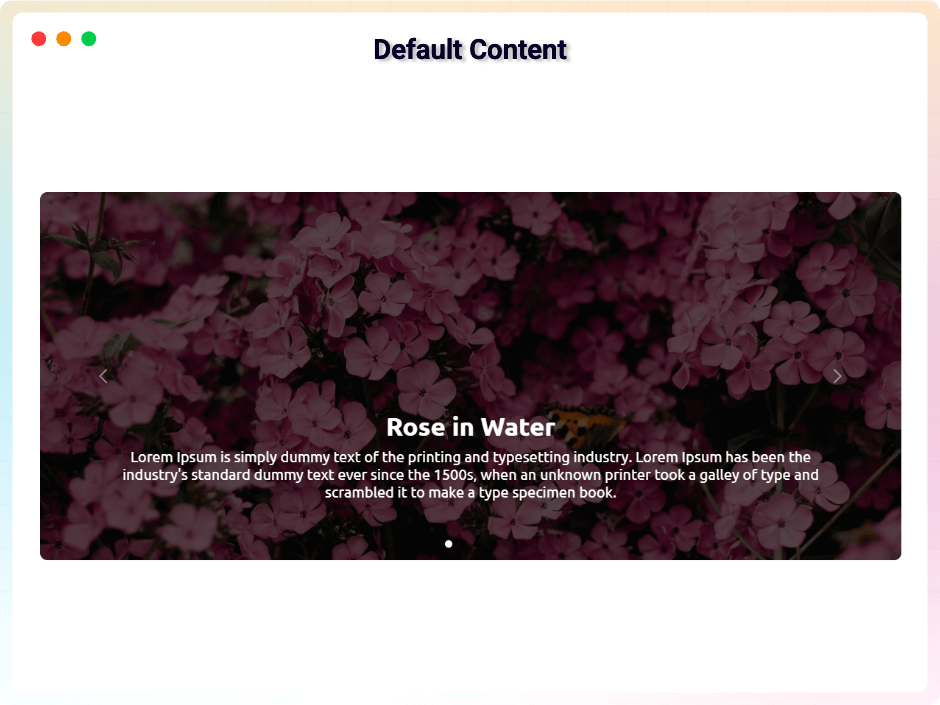
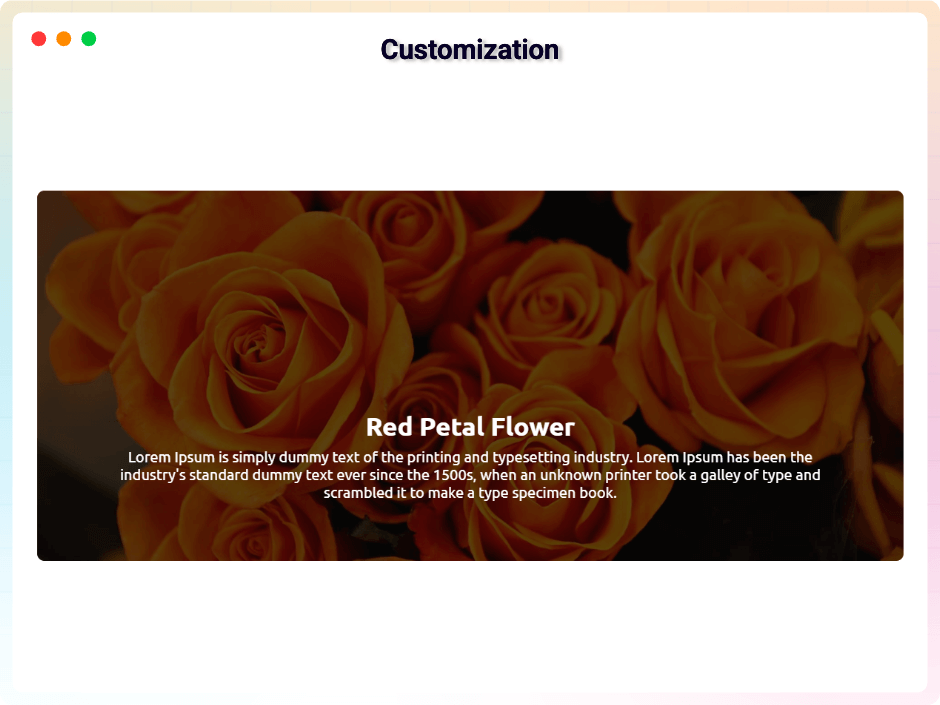
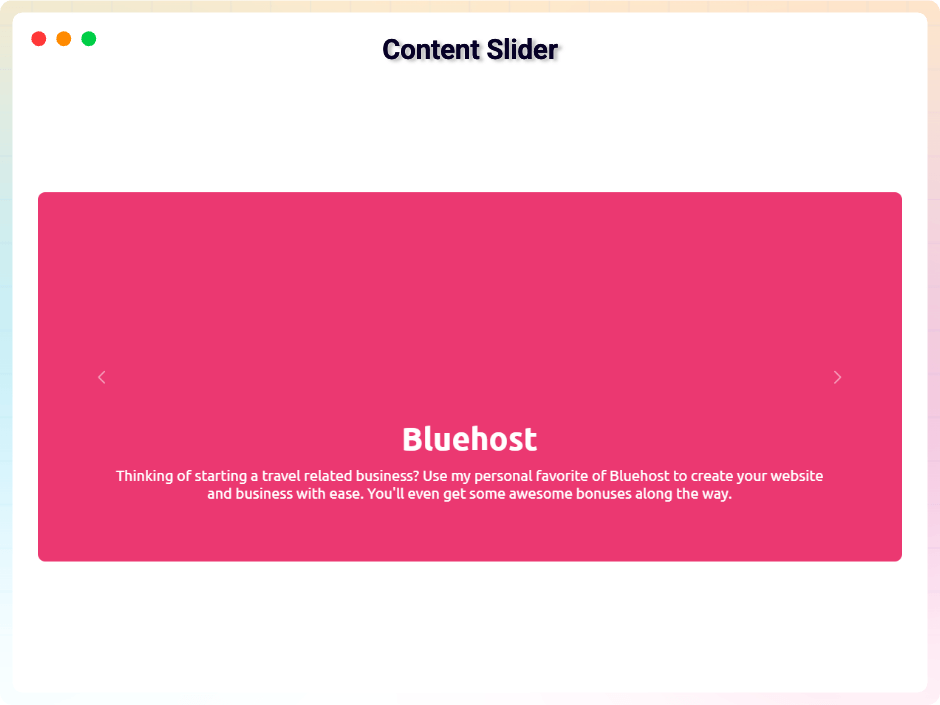
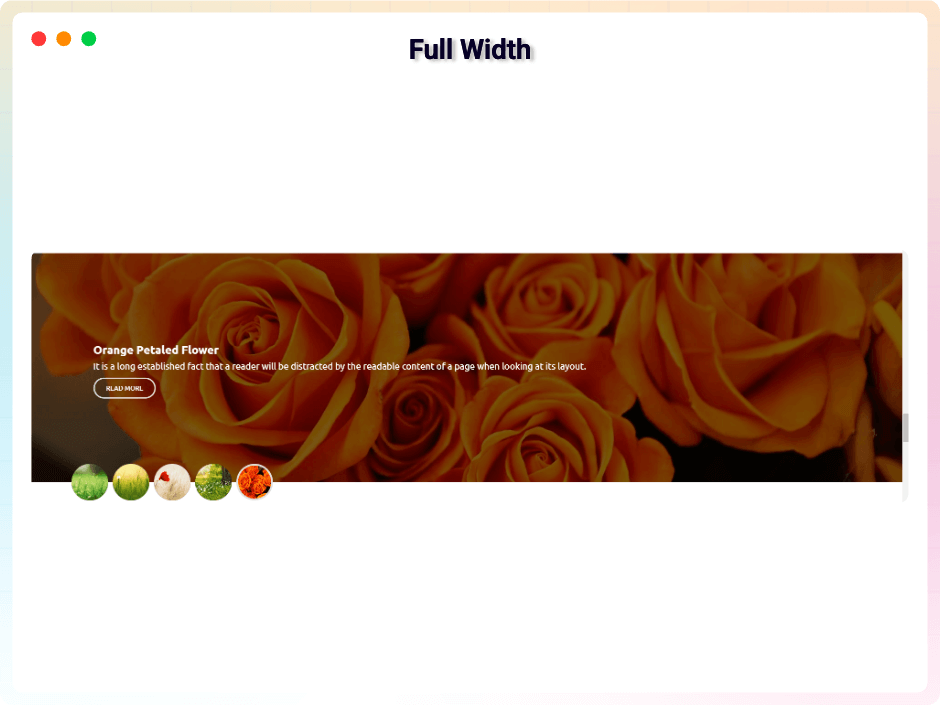
المكوّنات
تقدّم هذه الإضافة مكوّنين اثنين (2).
- Slider Display Amazing Gutenberg Responsive Image And Content Slider
- Slide A single slide inside a bSlider Gutenberg Blocks slider.
التنصيب
From Gutenberg Editor:
- Go to the WordPress Block/Gutenberg Editor
- Search For b-Slider Block
- Click on the b-Slider Block to add the block
Download & Upload:
- Download the b-Slider plugin (.zip file)
- In your admin area, go to the Plugins menu and click on Add New
- Click on Upload Plugin and choose the
b-slider.zipfile and click on Install Now - Activate the plugin and Enjoy!
Manually:
- Download and upload the b-Slider Block plugin to the
/wp-content/plugins/directory - Activate the plugin through the Plugins menu in WordPress
الأسئلة المتكررّة
-
Is Slider Block free?
-
Yes, Slider Block is a free Gutenberg block plugin.
-
Does it work with any WordPress theme?
-
Yes, it will work with any standard WordPress theme.
-
Can I change block settings?
-
Yes, you can change block settings from the Gutenberg block editor’s right sidebar.
-
How many times can I reuse a block?
-
You can use unlimited times as you want.
-
Do I need Advanced Custom Fields to use bSlider?
-
No. ACF is optional. Install and activate Advanced Custom Fields only if you want to show your own custom fields on a slide. The ACF Integration panel appears once you have a field group whose location rules target the post type your slider is querying.
-
How many ACF fields can I show on a slide?
-
As many as you like — there is no limit on how many fields a slide can show. Fields you assign to the slide image, title, description, or button under Use ACF For are a separate setting and are shown on top of the ones you pick.
-
How do I get a YouTube API key or an Instagram access token?
-
These are only needed for the Social & External Feeds source, which is a
Pro feature. Both credentials are made outside
WordPress, so there is a video for each.- Creating a YouTube Data API key
- Getting an Instagram Access Token
- Getting YouTube OAuth access, for private and unlisted videos
In Pro each of these is also linked inside the plugin, beside the field that asks for it.
-
Where can I get support?
-
You can post your questions on the support forum here
-
Where do I report security bugs found in this plugin?
-
Please report security bugs found in the source code of the bSlider plugin through the Patchstack Vulnerability Disclosure Program. The Patchstack team will assist you with verification, CVE assignment, and notify the developers of this plugin.
المراجعات


المساهمون والمطوّرون
“bSlider – Build Sliders That Bring Your Content to Life” هو برنامج مفتوح المصدر. وقد ساهم هؤلاء الأشخاص بالأسفل في هذه الإضافة.
المساهمون


ترجمة ”bSlider – Build Sliders That Bring Your Content to Life“ إلى لغتك.
مُهتم بالتطوير؟
تصفّح الشفرة، تحقق من مستودع SVN، أو الاشتراك في سجل التطوير بواسطة RSS.
سجل التغييرات
2.2.0 – 9 September, 2026
- New: Gutenberg Blocks source type — build every slide from real WordPress blocks instead of a fixed title, image and button;
- New: Layer animations on any block inside a slide, with entry effects, preset delays and a per-slide stagger;
- New: Loop animations that keep a layer moving after it arrives (Pulse and Bounce free, Float/Flash/Shake/Swing in Pro);
- New: Hover and click actions on a layer — grow, lift or fade on hover; open a link, scroll to a section, or move the slider on click;
- New: Visual Timeline panel showing every animated layer on one scale, with the delay editable in place;
- New: Typography panel on text layers, Google Fonts included;
- New: Responsive panel — hide a layer on desktop, tablet or mobile, or let it show without animating;
- New: Per-slide background, overlay, border, corner radius, padding and content alignment;
- New: Auto word-wrap, so a long link breaks to fit the slide instead of spilling past its edge;
- New: Empty slides now offer Heading, Image, Button and Two columns as one-click starting points;
- New: Vertical and horizontal alignment per slide, so the content can sit top, middle or bottom;
- New: Inner blocks in a slide now offer Wide and Full width, so a picture can reach the slide’s edge;
- New: A pattern dropped into a slide becomes ordinary editable blocks instead of a locked content-only group;
- New: A bSlider cannot be placed inside a slide — blocked in the inserter, on paste and on drag, rather than failing quietly later;
- New: Tutorial video for the Gutenberg Blocks source, linked under the Source Type tiles and on an empty slide;
- New: Carousel layout for block-built slides — several on screen at once;
- New: Dynamic Content — bind a post or product to a slide and place Post Field blocks in it;
- New: Lottie animation layer, exit animations, fine-tuned delay and duration, and word-by-word text animation;
- New: Badge a Word — one word inside a heading or paragraph given its own background, padding, corners and border;
- New: Hover colour on any layer — text and background, on its own or alongside Grow, Lift and Fade;
2.1.0 – 22 August, 2026
- New: Social Feeds source type tile and upsell notice in the Source & Layout sidebar panel;
- New: List Layout & premium presets upsell notice below the Select Layout grid;
- New: Compact promotional notices for Social Feeds and List Layout in the editor sidebar;
- Update: ACF field & query options text in the Custom Post Types promotion;
2.0.20 – 19 August, 2026
- New: The three-field limit on ACF fields is gone — a slide can now show every ACF field you pick, no upgrade needed;
2.0.19 – 17 August, 2026
- New: Added promotional/upsell panel for the ACF Query premium features under the ACF Integration panel;
- New: The ACF Integration and Post Badges panels now say that the icon library is a premium feature, alongside the character you can type in the free version;
- New: The Style tab’s badge typography and colours now apply to ACF fields as well, so badges and fields on one slide share a look, and the section appears for a slider that has fields but no badges;
- Fix: An ACF field named price, date, author or sale could not be moved off its default corner — badge settings of the same name were taking over the field’s position, icon and style;
- Fix: An ACF field placed over a navigation arrow swallowed the click and the slider stopped advancing;
- Fix: An ACF field named date or author could be forced to hover-only by a badge that was not on the slide;
- Fix: A chosen badge colour overrode the outline, plain and ribbon presets even when no colour had been picked;
- Fix: Cleaned up unused variables and resolved ESLint warnings in settings components;
2.0.18 – 11 August, 2026
- New: Slide Content panel — one place to show or hide a slide’s title, description and button, and to set the button label;
- New: Show the slide content on hover only, so the picture stands on its own until it is pointed at;
- New: Selective hover controls — when content appears on hover, pick which parts show (title, description, button, date, author, price, sale) independently;
- New: Content background choice — tint the whole picture, fade the colour in behind the text, or use none;
- New: Picture on hover — zoom in, zoom out, or grey until pointed at;
- New: A slide’s picture is now a link to the post or product wherever the button points, with an option to open both in a new tab;
- New: Post Badges panel — show the publish date and the author name as badges over a slide, each with its own icon, prefix, suffix, corner, offset and style preset;
- New: WooCommerce Product Price badge — display product prices (regular and sale) with a toggle to show only the sale price;
- New: WooCommerce Sale badge — show “Sale!” text or the exact discount percentage (e.g. −25%) on products that are on sale;
- New: Badge animation — pick the effect, let the badges follow the caption or set your own delay, and space them apart so several cascade;
- New: Badges section on the Style tab for the typography and colours every badge shares;
- Fix: Advanced Custom Fields link, url and email fields are now sanitised before they are used as a link;
- Fix: Badges and ACF fields animated only the first time a slide was hovered when the content is revealed on hover, and afterwards simply appeared;
- Fix: 42 control labels were tagged with the wrong text domain and never translated;
2.0.17 – 02 August, 2026
- New: Default Post Type support — build sliders using standard WordPress post types (Posts, Pages, and Products);
- New: Locked custom post types (CPTs) behind Pro with a modern sidebar and wizard upgrade promotion;
- New: Advanced Custom Fields (ACF) on slides with a limit of three fields per slide (Pro removes this limit);
- New: Use an ACF field for the slide image, title, description, button label, or button link, and override it per item;
- New: Six display presets for ACF fields, free placement on nine anchors, and a per-field icon, label, prefix, and suffix;
- Fix:
Post Type,Order By,OrderandPost Offsetare now applied to the editor preview, not only the front end; - Fix: Some control labels were tagged with the wrong text domain and never translated;
2.0.15 – 17 July, 2026
- Fixed: When adding a block from the block editor search, I was not getting CSS and JS, but now it is fixed.
2.0.14 – 24 June, 2026
- Update: Added new modern dashboard.
2.0.13 – 20 May, 2026
- Fix: The backend defaults, carousel, and thumbnail layouts slides have been fixed and are now working properly.
2.0.12 – 13 May, 2026
- Update: Fixed a security vulnerability through responsible disclosure.
2.0.11 – 9 May, 2026
- Update: Removed restricted “Locked Fields” to improve user flexibility
- New: Custom Slider Height: Easily define and set the perfect height for your sliders.
- New: Dynamic Indicators: Fully customize indicator types, positioning, and direction (Horizontal or Vertical).
- New: Carousel Enhancements: Toggle visibility for Navigation Arrows and Pagination Indicators with a single click.
- New: Grid Flexibility: Set items per page and choose your preferred pagination style (Standard Button or Load More).
- New: Post Per Page: Control the exact density of your content.
- New: Advanced Sorting: Organize content by specific criteria (Order By) and direction (ASC/DESC).
- New: Post Offset: Skip specific posts to create unique layouts and avoid duplication.
- New: Playback Settings: New options for Auto-play, Loop/Repeat, and Muted starts.
- New: Comprehensive Player Controls: Empower users with a full suite of controls including Play/Pause, Mute, Rewind/Fast-Forward, and real-time displays for Progress, Current Time, and Duration.
- Improved: Overall code quality and strengthened security protocols.
2.0.10 – 5 April, 2026
- Added a new modern dashboard;
2.0.9 – 7 Feb, 2026
- The free plugin now supports shortcodes.
2.0.8 – 22 Jan, 2026
- There were some minor issues with the title and the query, but I have resolved them.
2.0.7 – 18 Jan, 2026
- Patchstack ( Cross Site Scripting) problem solved;
2.0.6 – 1 Dec, 2025
- offer link added;
2.0.5 – 27 Nov, 2025
- Some issues have been resolved.
2.0.4 – 11 Nov, 2025
- freemius sdk updated;
2.0.3 – 18 Sept, 2025
- Solved the image max-width and margin.
2.0.2 – 23 Aug, 2025
- Resolved the conflict between Modula Image Gallery and bSlider.
2.0.1 – 12 Aug, 2025
- Resolved all security vulnerabilities identified by Wordfence;
2.0.0 – 9 Aug, 2025
- Fixed missing authorization check that allowed authenticated users (admin) to install arbitrary plugins;
1.1.30 – 24 July, 2025
- fixed defaultProps;
1.1.29 – 23 July, 2025
- Resolved dashboard target element issue;
1.1.28 – 8 July, 2025
- Added four source types: Image, Posts, WooCommerce, and Video;
- Added four layout types: Slider, Carousel, Grid, and Thumbnails;
1.1.27 – 18 April, 2025
- Compatible with WordPress 6.8;
1.1.26 – 11 April, 2025
- Some problem fixed;
1.1.25 – 1 March, 2025
- Some problem fixed.
1.1.24 – 26 Jan, 2025
- Fixed a security issue through responsible disclosure.
1.1.23 – 21 Dec, 2024
- Code maintenance and removal of redundant code.
1.1.22 – 17 Dec, 2024
- SingleTon patterns and plugin actions hooks action hooks trigger.
1.1.21 – 23 Nov, 2024
- _load_textdomain_just_in_time notice solved
1.1.20 – 6 Oct, 2024
- Some issues fixed.
1.1.19 – 18 August, 2024
- Pro modal update
1.1.18 – 9 July, 2024
- Allows dragging and dropping of slide items (Pro Features).
1.1.17 – 24 June, 2024
- Remove extra code.
1.1.16 – 5 May, 2024
- Fixed security issues.
1.1.15 – 20 March, 2024
- Added option to include alt text for slider images
1.1.14 – 5 March, 2024
- Some mistakes improved.
1.1.13 – 29 Feb, 24
- Validated JS and HTML code.
1.1.12 – 6 Dec, 23
- An animation effect of fade-in has been added.
1.1.11 – 24 Nov,23
- Added an option to show/hide the title from the media image’s caption or title.
1.1.10 – 23 Nov,23
- Automatically select the image caption or title to add as the slide title.
1.1.9 – 14 Nov,23
- Use responsive device settings for the left/right inner gap, arrow width, and height.
1.1.8 – 9 NOV,23
- WordPress version update
1.1.7 – 25 OCT,23
- The package is being used for lazy loading images
1.1.6 – 5 Oct,23
- Fixing the responsive issue with the image indicator
1.1.5 – 20 sept 2023
- Sdk some issues have been resolved
1.1.4
- Using Multiple Tags in Titles and Adding the admin.css File
1.1.3
- Some issues have been resolved
1.1.2
- Slider height can be set according to the device
1.1.1
- Pro license key properly working
1.1.0
- Title and Description responsive device added
1.0.9
- Bootstrap file update
1.0.8
- Pro version release
1.0.7
- Update arrow background and color option
1.0.6
- Space between the plugin class and additional classes
1.0.5
- BoxControl Components Problem fix.
1.0.4
- Slider Arrow size option added.
- Slider Arrow height and width, Border Radius, color option added.
1.0.3
- Screenshot Update
- Problem Fix
1.0.2
- Slider Animation Option.
- Slider Content Default/Middle Option.
- Title Typography.
- Description Typography.
1.0.1
- Slider Height Option.
- Slider Border Radius Option.
- Slider Full Responsive.
- Slider Title And Description Animation.
- Slider Content Middle.
- Indicator Style Update.
1.0.0
- Initial Release