

الوصف
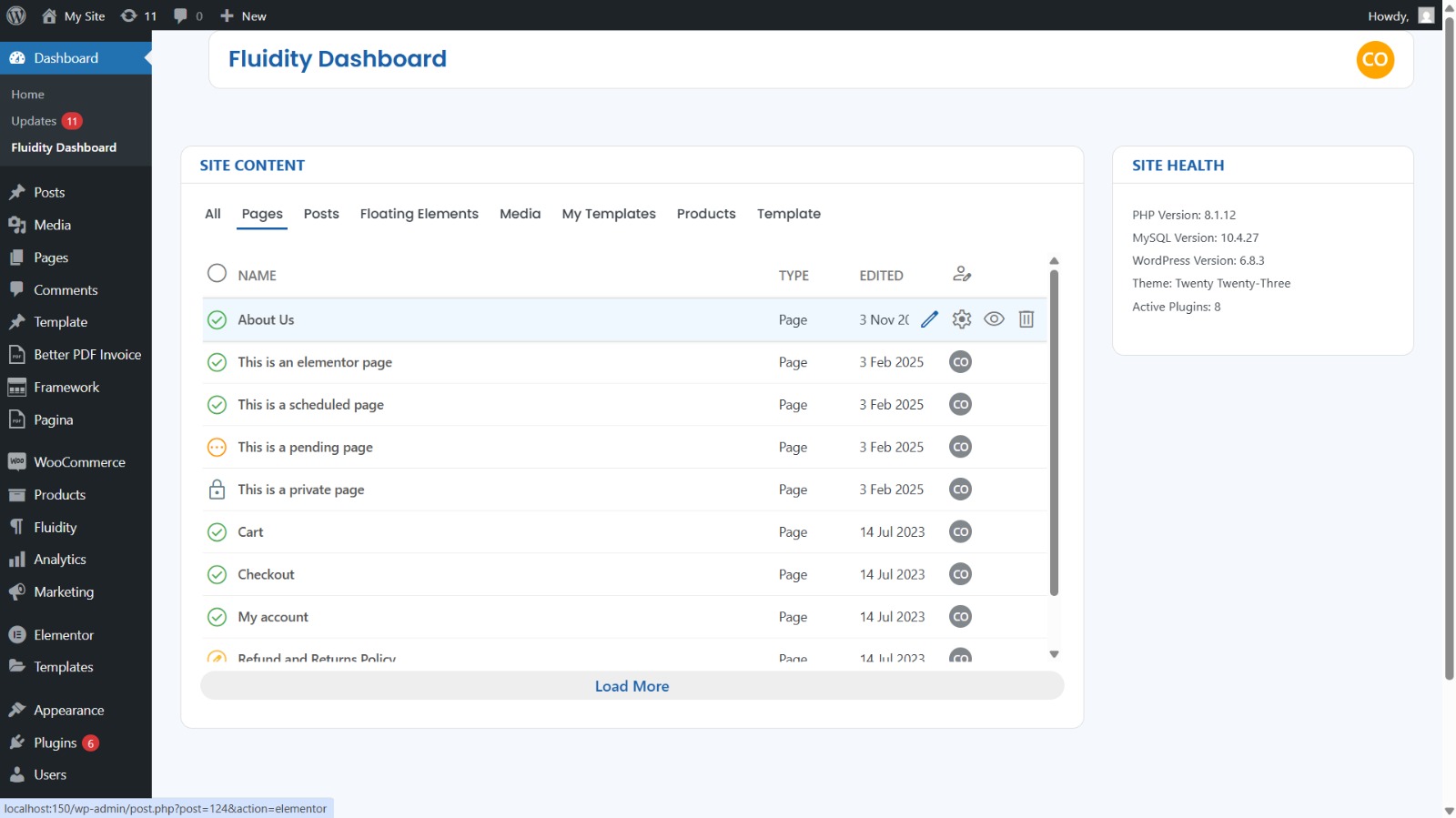
Fluidity Dashboard replaces the clicky default screens with a clean, Material-inspired dashboard tailored for busy site admins and content teams. It emphasizes speed, clarity, and safe defaults:
- Unified content view: See registered post types at a glance with status, author, and dates.
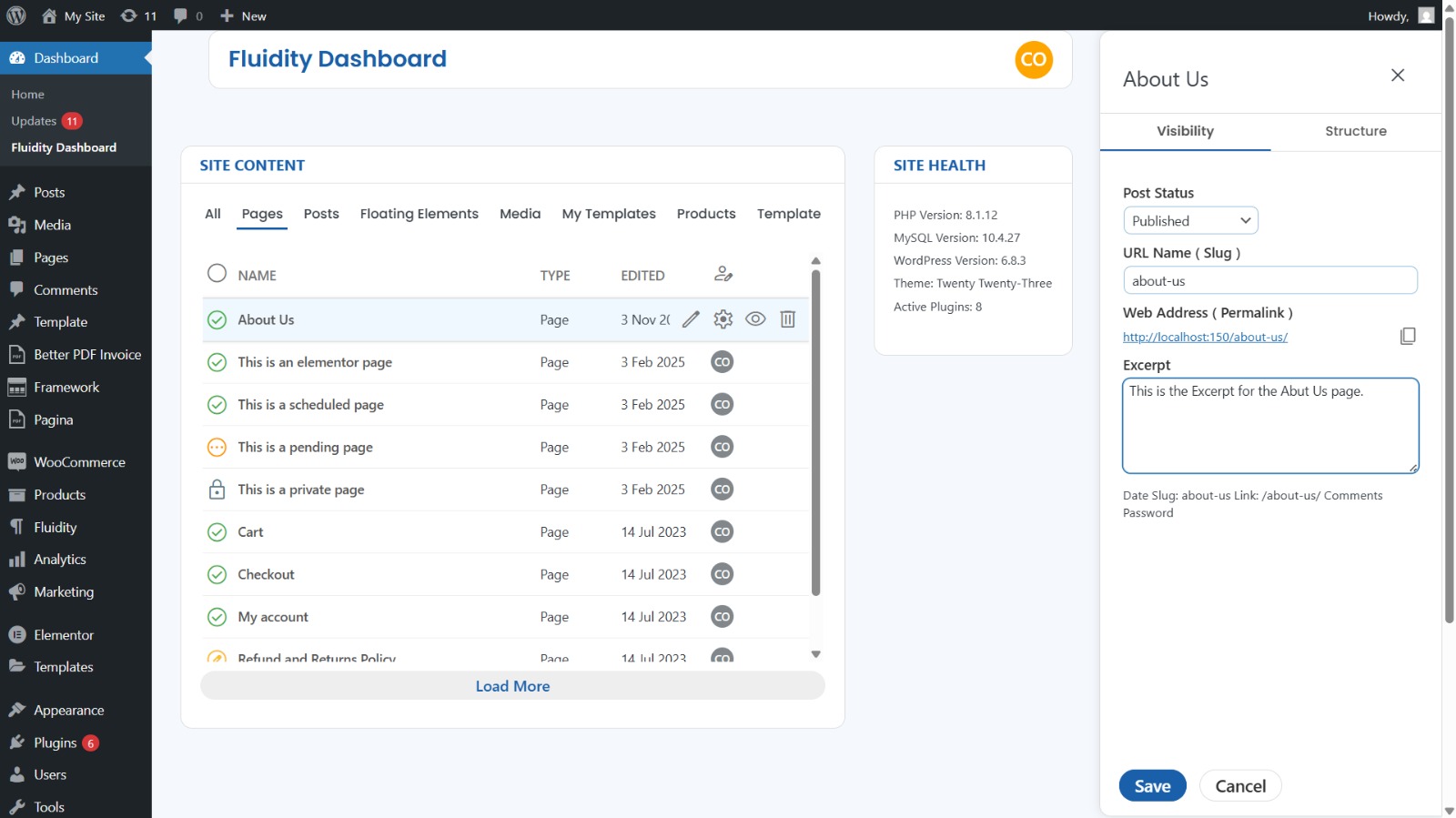
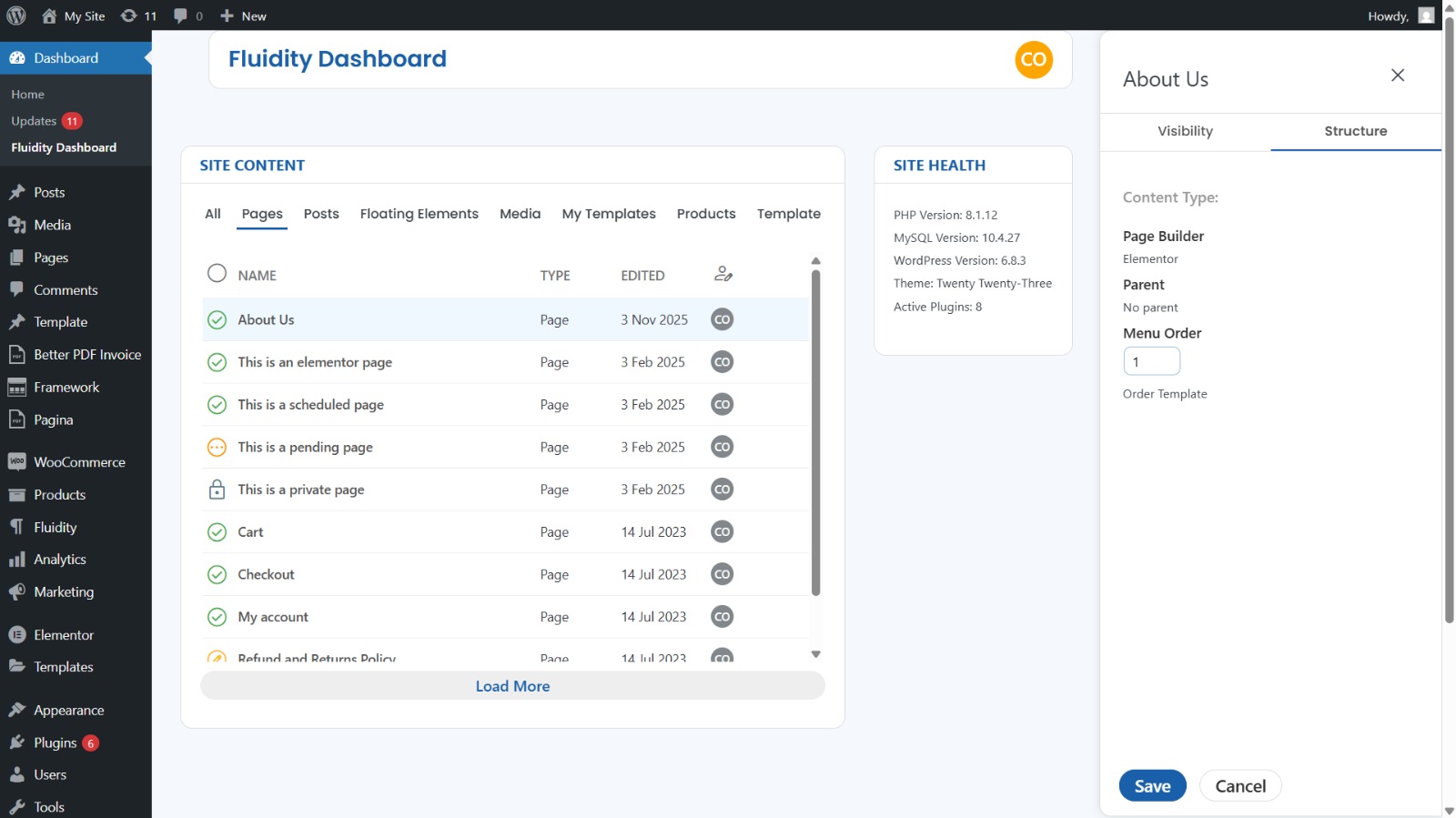
- Inline actions & quick editing: Save time on common tasks without leaving the screen.
- AJAX-first UX: Smooth updates without page reloads.
- Privacy-first icons: Material Symbols Outlined load locally by default; you may opt into the Google CDN or disable icons entirely.
- No tracking / no ads / no nagware.
Built for WordPress standards
- Proper capability checks and nonces on all admin actions.
- Scripts and styles registered/enqueued via core APIs.
- Translatable strings (text domain:
fluidity-dashboard).
External services
This plugin does not contact external services by default.
If you opt into CDN icons (see “FAQ”), the plugin will request CSS/Font files from Google Fonts.
لقطات الشاشة
التنصيب
- Upload the plugin folder to
/wp-content/plugins/, or install it via Plugins Add New Upload Plugin. - Activate Fluidity Dashboard.
- Go to WP Admin Fluidity to use the custom dashboard.
Optional (developers): Switch icon source (local / remote / disabled) using a filter:
`php
// In a small mu-plugin or your theme’s functions.php: add_filter( ‘vwp_dash_icons_mode’, function ( $mode ) { return ‘local’; // ‘local’ (default), ‘remote’, or ‘disabled’ });
المراجعات
لا توجد مراجعات لهذه الإضافة.
المساهمون والمطوّرون
“Fluidity Dashboard” هو برنامج مفتوح المصدر. وقد ساهم هؤلاء الأشخاص بالأسفل في هذه الإضافة.
المساهمون
ترجمة ”Fluidity Dashboard“ إلى لغتك.
مُهتم بالتطوير؟
تصفّح الشفرة، تحقق من مستودع SVN، أو الاشتراك في سجل التطوير بواسطة RSS.