

الوصف
Start Accepting Crypto Payments in 2 minutes.
0.1% Flat Fee and no KYC.
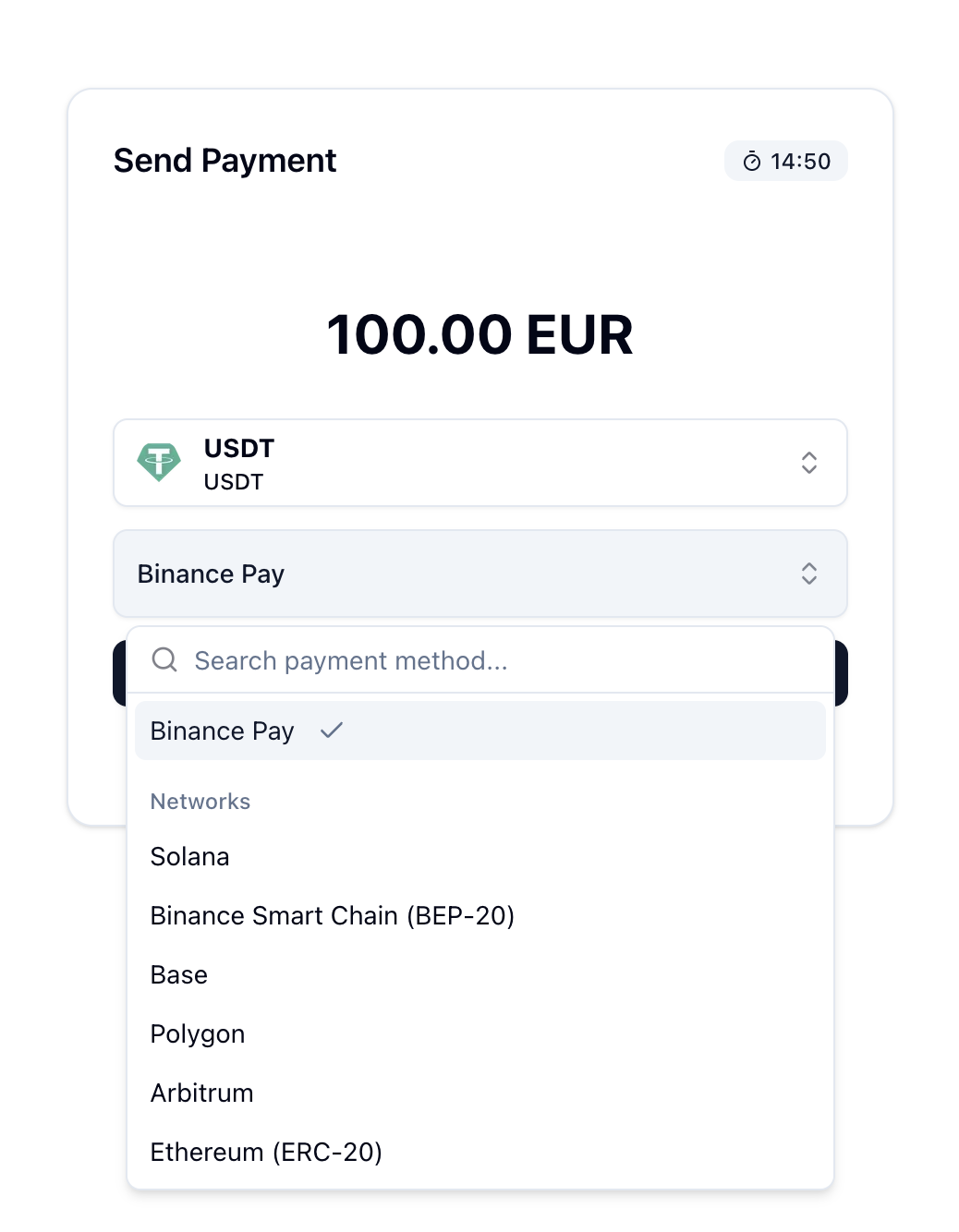
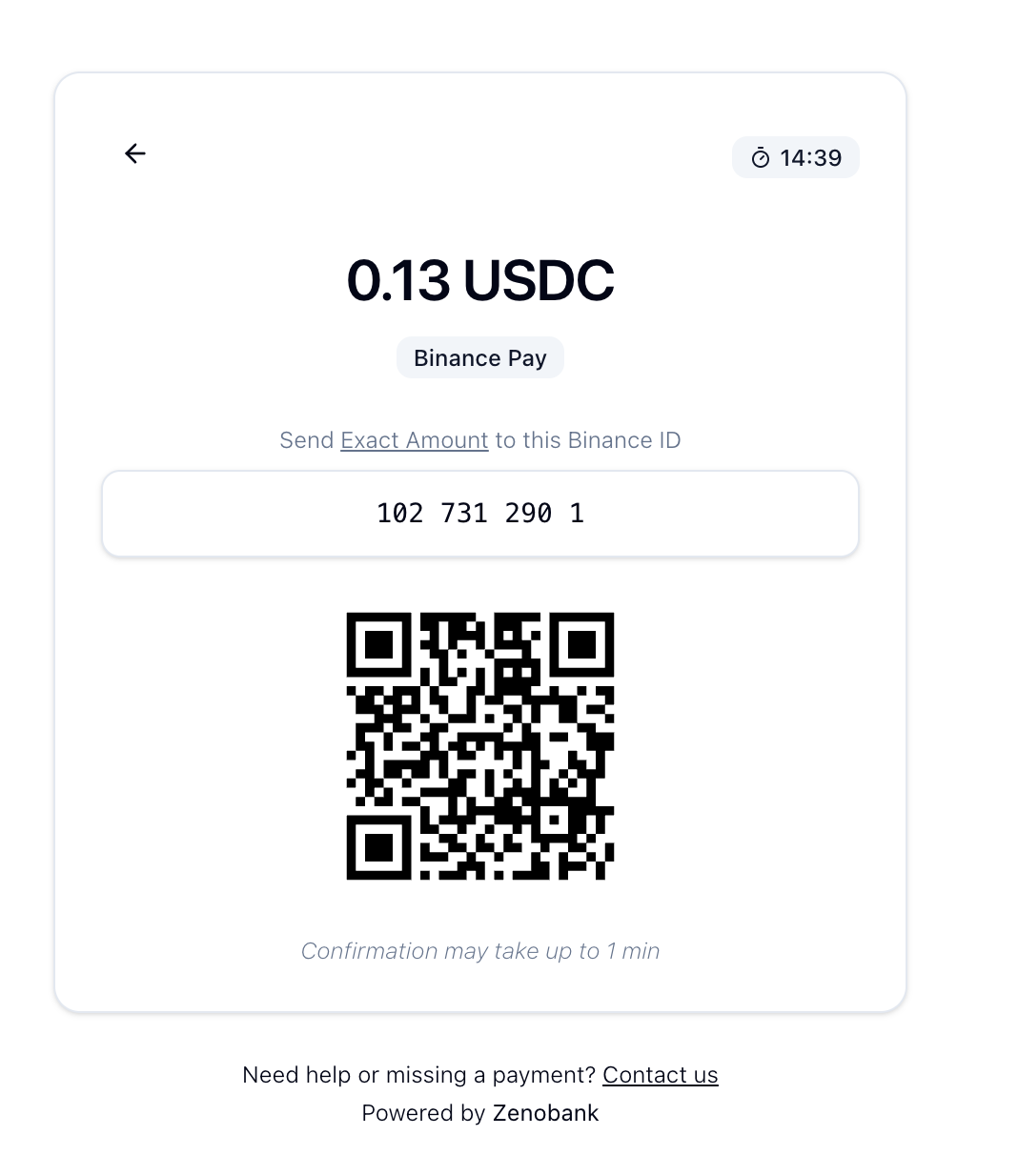
Binance Pay payments go directly to your Binance account (no merchant account required).
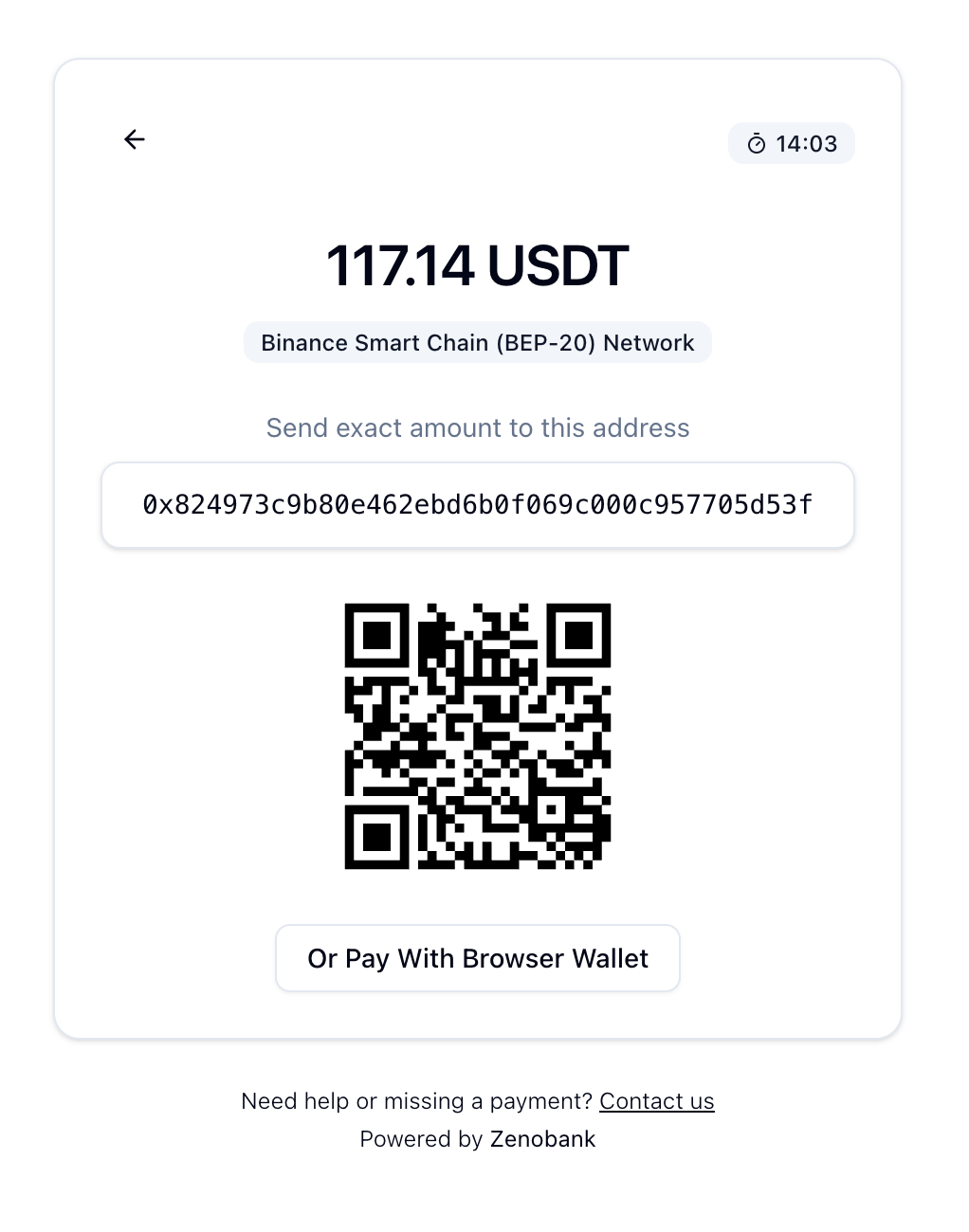
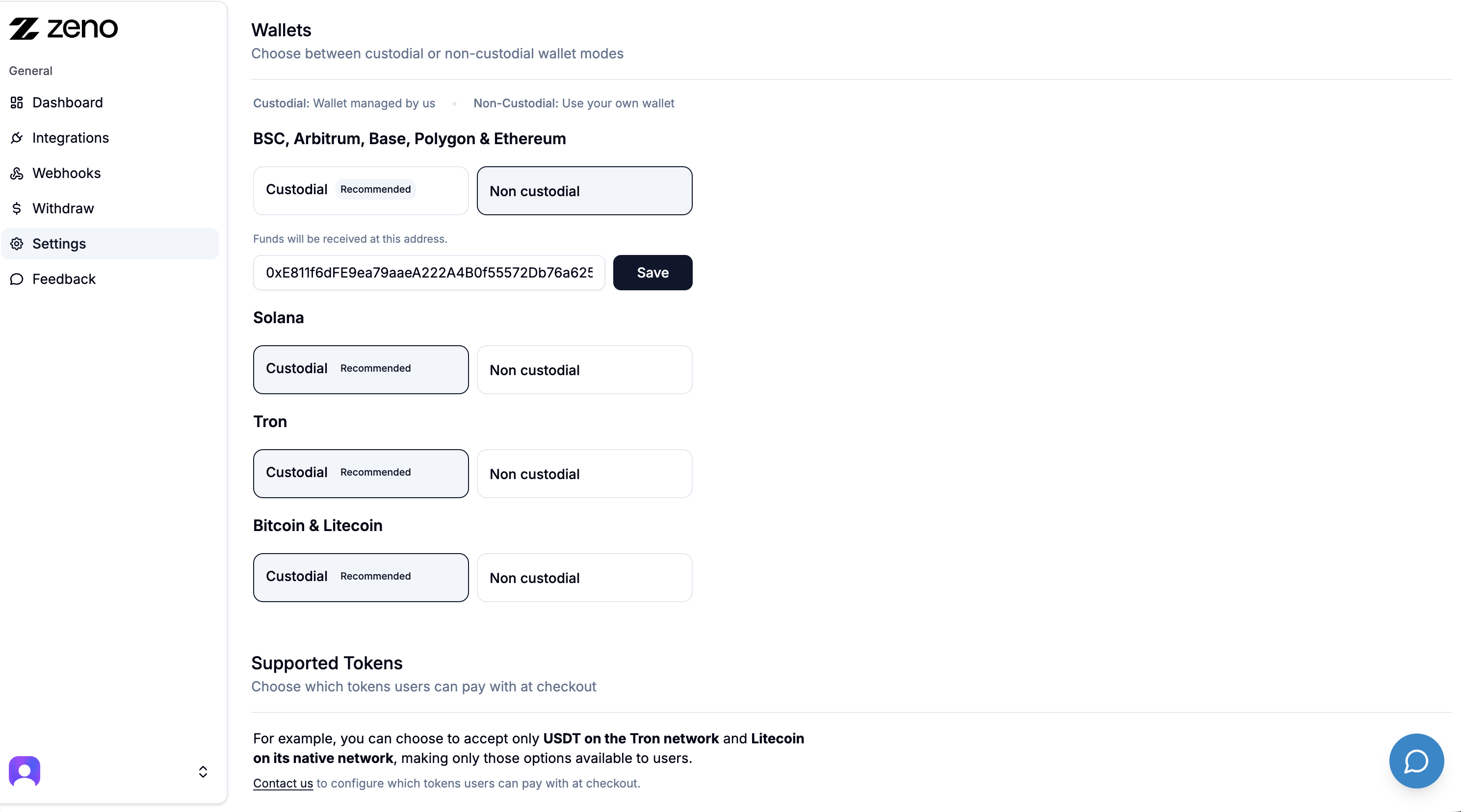
For On Chain payments (Arbitrum, Base, Ethereum, etc.), choose between Custodial and Non Custodial mode.
Custodial: we hold the funds for you.
Non Custodial: funds go directly to your own wallet.
Checkout demo
Questions? Check the FAQs
24/7 Support:
External services
This plugin sends order data (amount, currency) to api.zenobank.io to process crypto payments.
لقطات الشاشة
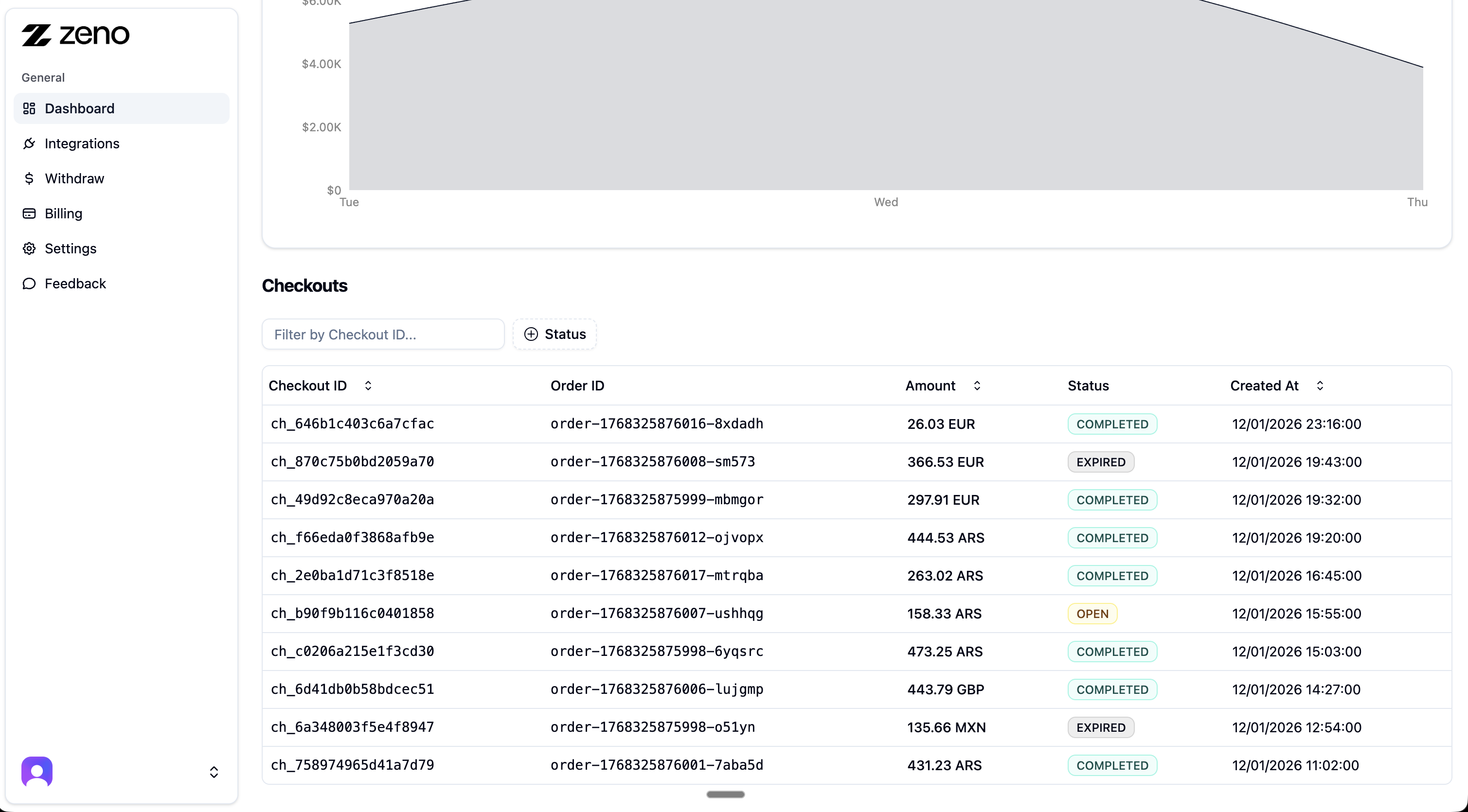
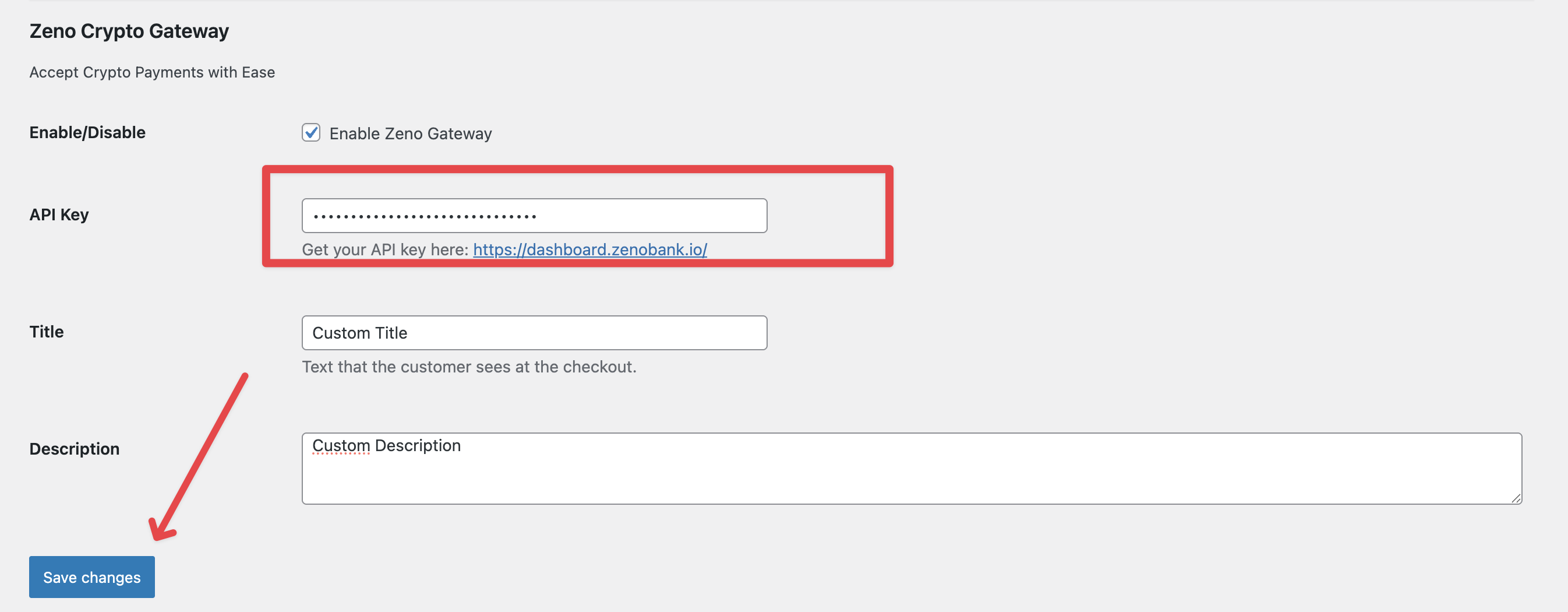
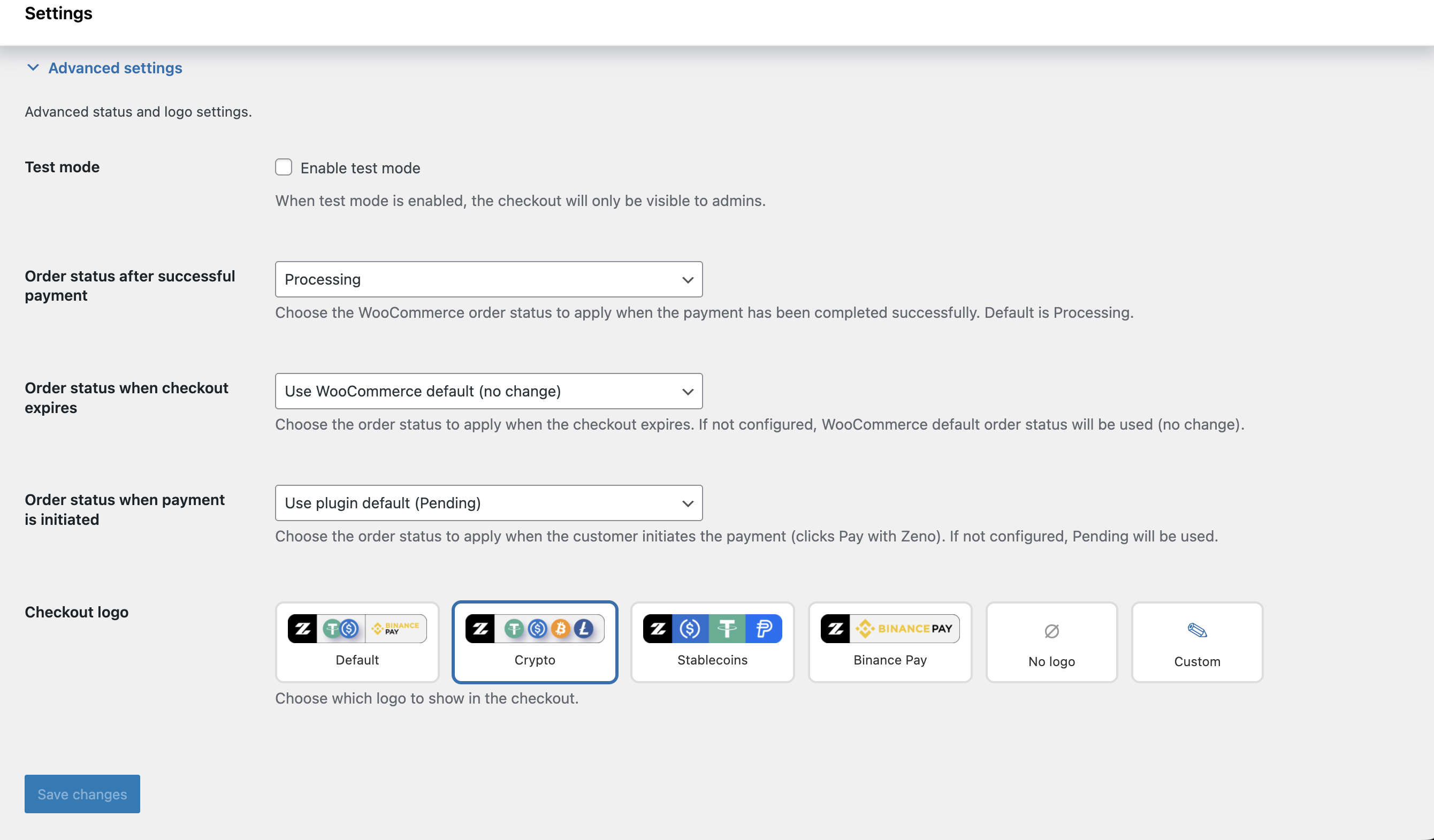
التنصيب
- Install via the WordPress Plugin Installer or upload manually.
- Activate the plugin under Plugins Installed Plugins.
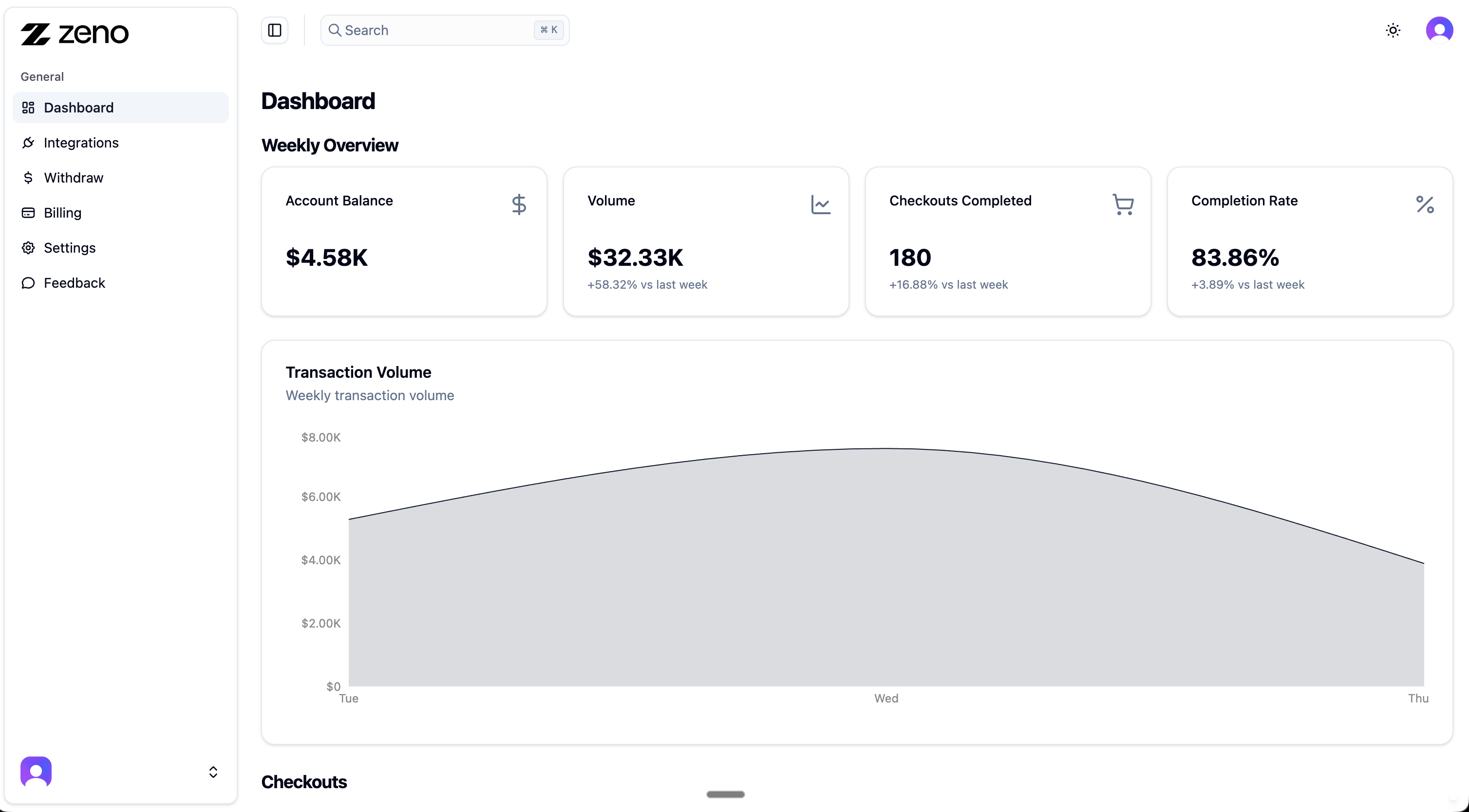
- Go to dashboard.zenobank.io and create your account.
- Add a wallet address or connect your Binance Pay API (this is where you will receive funds).
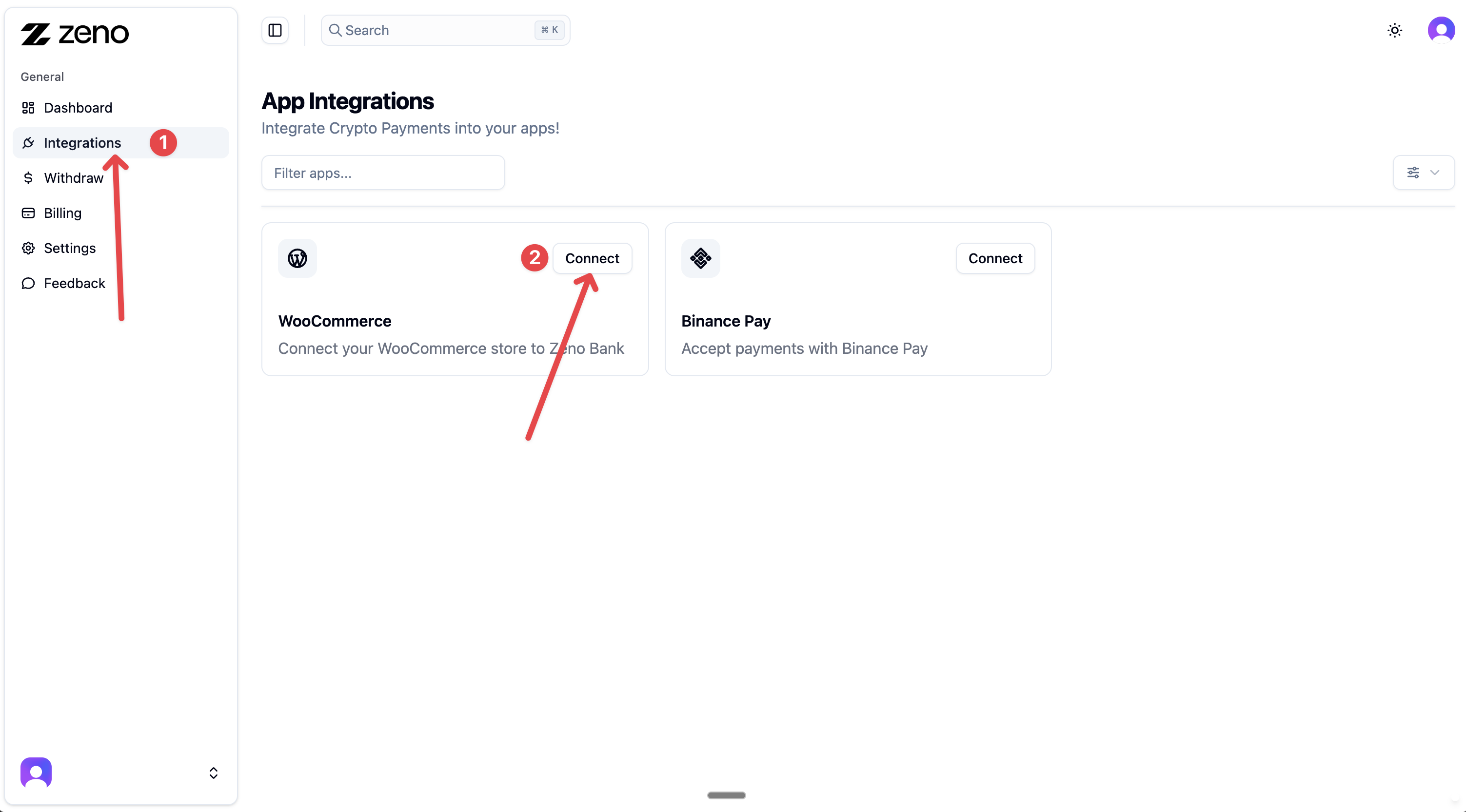
- In your dashboard, go to Integrations WooCommerce, and click Connect.
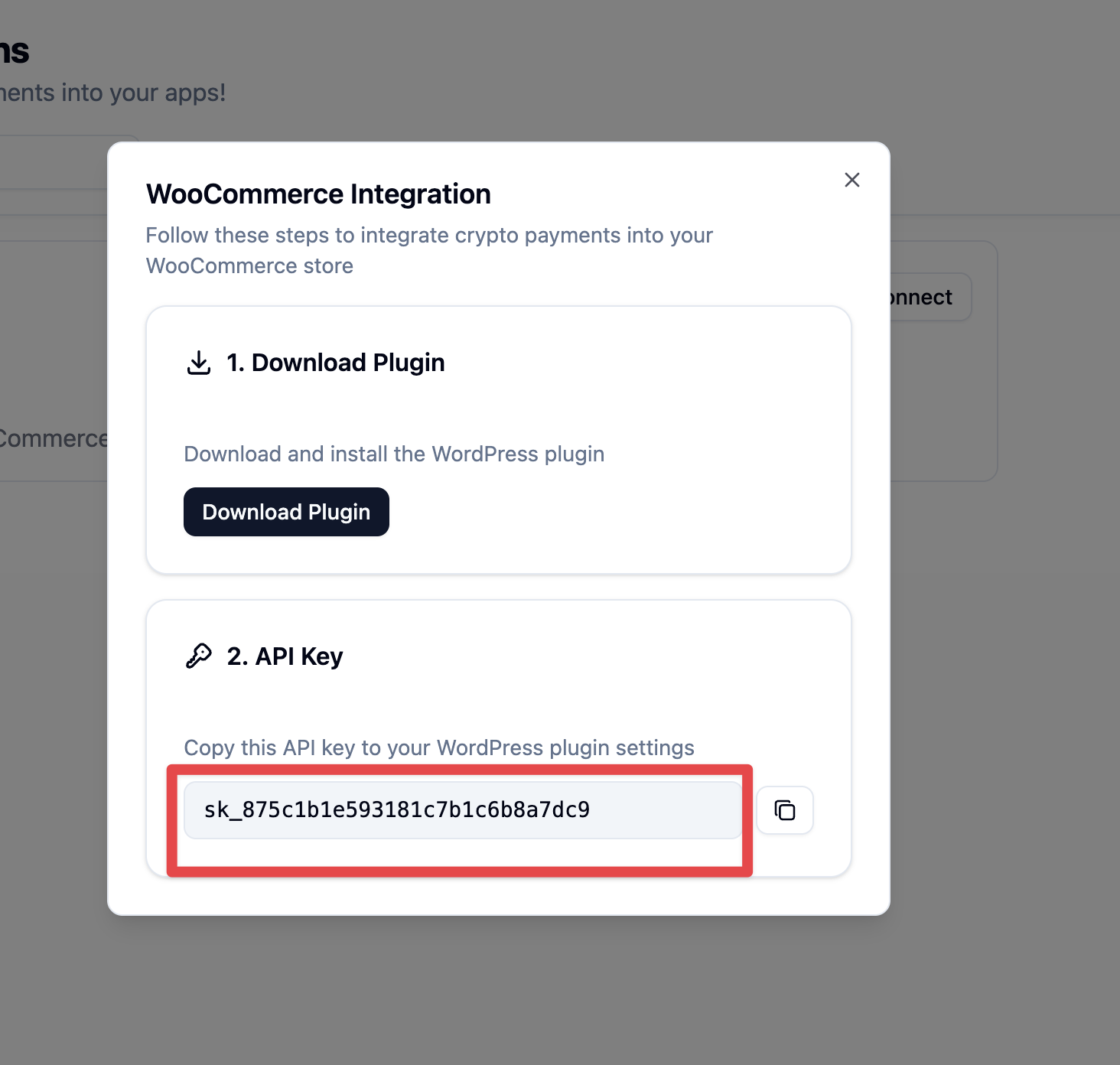
- Copy the generated API key.
- In your WordPress store, open the Zeno Crypto Payment Gateway settings and paste the API key.
- Save changes, enable the gateway, and start accepting crypto payments.
المراجعات

9 مارس، 2026
Simplest and cheapest way to accept crypto in our stores

20 فبراير، 2026
Exelente Plugin me funciona de maravilla 👏

20 فبراير، 2026
Uno de los mejores plugins para recibir para con cripto y binance pay. Tienen buen soporte. Recomendado

3 ديسمبر، 2025
Bajas comisiones, buena interfaz, el mejor plugin de lejos para aceptar pags crypto en woocomerce

26 نوفمبر، 2025
High quality plugin. A very professional team

18 أكتوبر، 2025
Quick install, simple setup, and works as expected. Great job
المساهمون والمطوّرون
“Zeno Crypto Checkout for WooCommerce” هو برنامج مفتوح المصدر. وقد ساهم هؤلاء الأشخاص بالأسفل في هذه الإضافة.
المساهمون
ترجمة ”Zeno Crypto Checkout for WooCommerce“ إلى لغتك.
مُهتم بالتطوير؟
تصفّح الشفرة، تحقق من مستودع SVN، أو الاشتراك في سجل التطوير بواسطة RSS.
سجل التغييرات
1.2.4
- Declared compatibility with WordPress 7.0
1.2.3
- Updated plugin name and description
1.2.2
- Plugin Checker fixes and metadata cleanup
1.1.1
- Updated readme